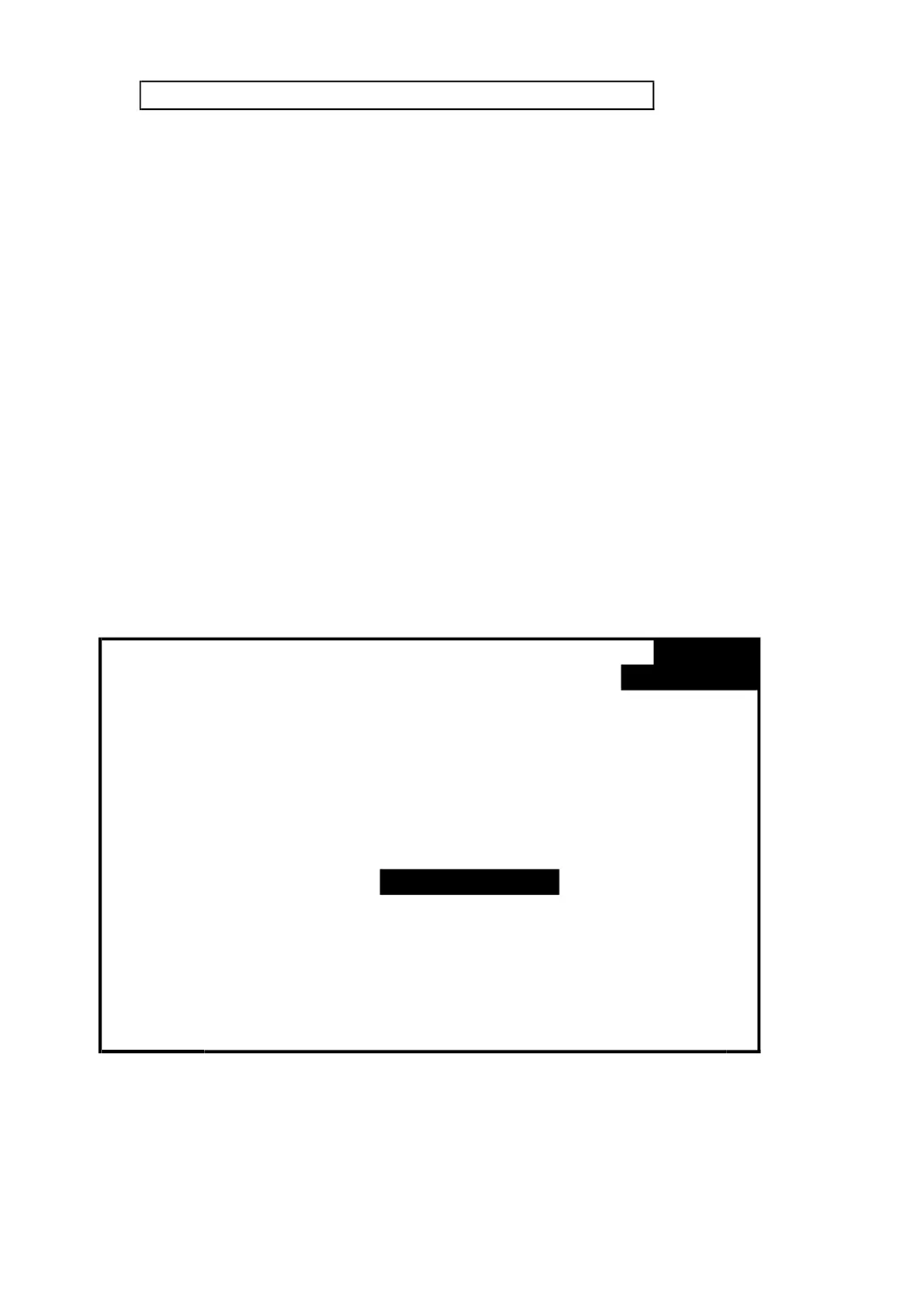
4-5-15 RS232 Out Sel setting
A : When press SHIFT KEY continuously at least two
seconds as screen 2 and now press ▲ or ▼ to select
the item that intend to output, maximum up to nine
items, when the cursor stops on the selected item and
then press SETUP KEY again, the selected item will be
displayed in highlight.
B : Press SHIFT KEY it can change the screen page
from Screen 2 → Screen 5.
C : If the selected items are over nine, the low right
display will show indicator " full " as screen 6.
D : After the selecting is completed, press SHIFT KEY
continuously at least two seconds again will return to
screen 1 and show all the selected items at the same
time.
E : Press ▼ in screen 1 to enter next setting function
( RS232 Out Sel → Year )
screen 1 ( 4-5-15 )
Folder Name: WTA01
File Name: 3P401001.XLS
REC Date: 2017-11-28 00:03:17
Sampling Time: 2 Trans Ref : 220.0 V
Delete File: 0 % SDVP : 10%
SD Format: 0 % Decimal: Basic
Use Size: 388 KB Clamp Type: CP1201
Free Size: 1946 MB A Range: 200A
Total Size: 1946 MB V Range: 200mV
PT: 1 : 1 V1 I1 P1
CT: 1 : 1 S1 Q1 PF1
Beep: ON Φ1 FREQ
Year Month Date Hour Minute Second
2010
11 13 14 37 25
40











 To Next Page