17
Using the Assignable Controls
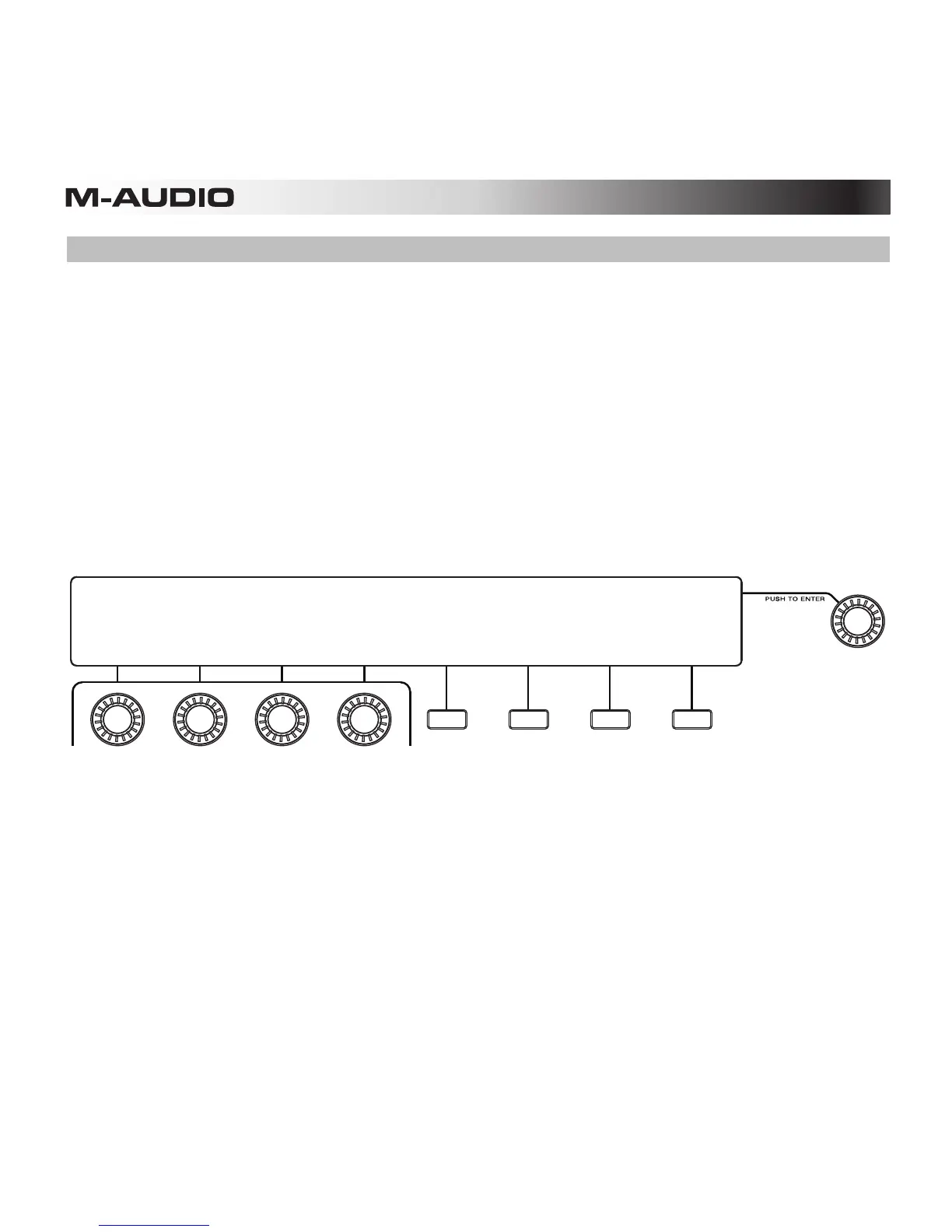
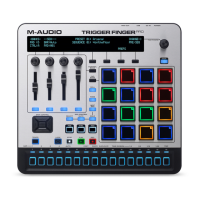
The Assignable Controls—the four knobs, faders, and buttons below the display on the left—
can serve several functions. You can easily change the controls' MIDI messages and values in
Control Mode:
1. Enter Control Mode by pressing the Control Mode Button (Ctrl).
2. While viewing the options in the display, turn the Assignable Knobs to change the
settings above each knob, or press the Function Buttons to select the option or to
change the setting above each button.
3. Exit Control Mode by pressing the Control Mode Button (Ctrl) or the fourth Function
Button (Exit).
Learn more about using the Assignable Controls in Working with Presets: Assignable
Controls.
KNOBS 01: Preset
CC 00:
00
CC 01:
00
CC 02:
00
CC 03:
00
EDIT
CONTROLS
MAPPING:
MIDI EXIT
BANK:A CTRL->
TYPE










 To Next Page