86
Tap Average
Pressing the Tempo button repeatedly at the desired rate will change the Sequence's tempo.
You can set how many presses ("taps") are required before the new tempo is detected and
changed.
To set how many taps are required to enter a new tempo:
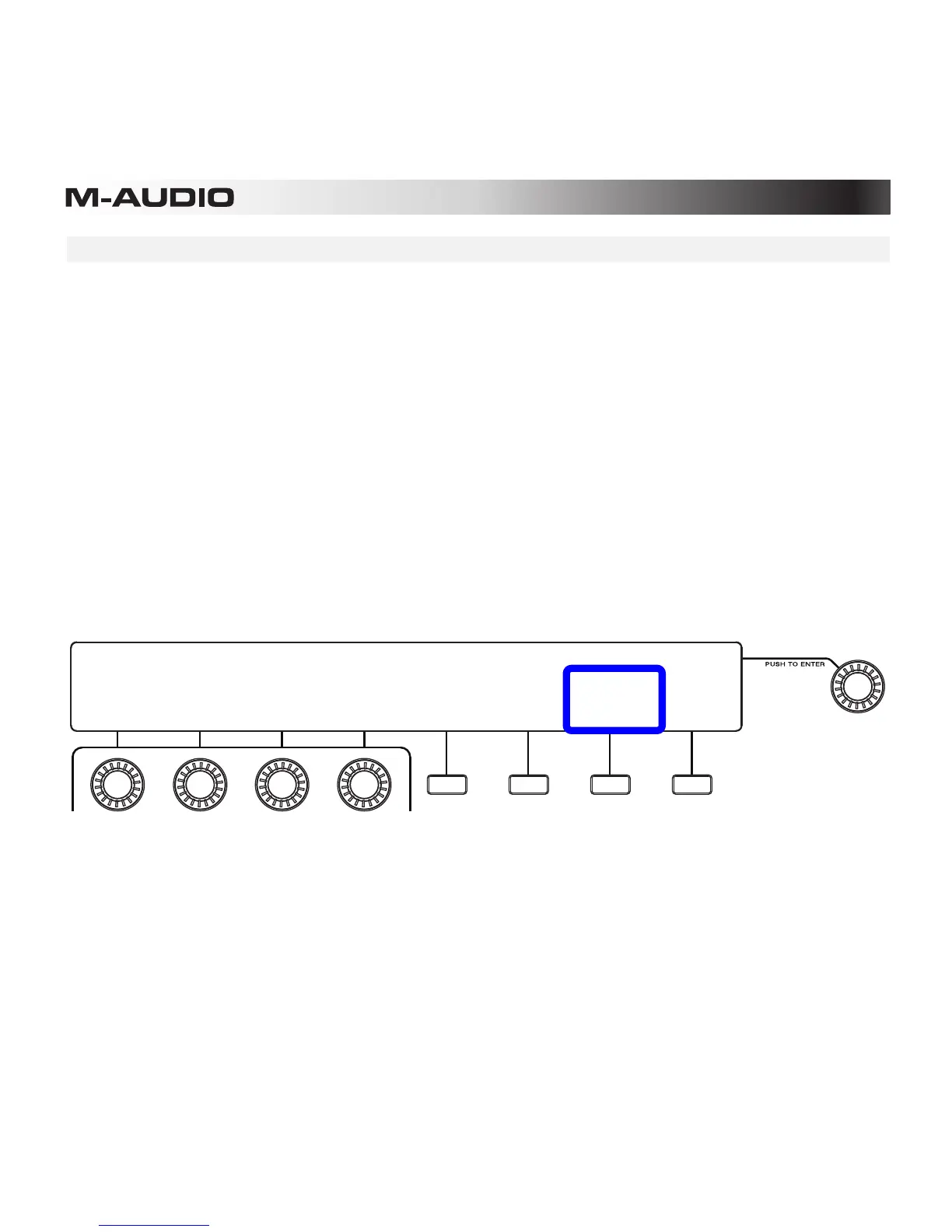
1. Enter Preferences by pressing the third Function Button (Prefs) while in Performance
Mode.
2. Press the third Function Button (More).
3. Press the third Function Button (Tap Average) to cycle through the available options,
determining the number of taps: 02, 03, or 04.
4. Make other changes to your Preferences, or exit Preferences by pressing the fourth
Function Button (Exit) or another mode button.
PREFERENCES
----- LCD ------ --------- PADS -------
BRIGHT:
50%
CONTRAST:
100%
GAIN:
05
SENS:
16
CURVE:
Log1
NIGHT
MODE:
Off
EXIT
TAP
AVERAGE:
04










 To Next Page