80
Pad Solo Mode
Pad Solo Mode lets you solo all sounds in a Sequence that are played by a pad (or multiple
pads). You can do this during Sequence playback or while the Sequence is stopped. This can
be useful for isolating certain sounds in a Sequence.
Important: Soloing a muted pad will override its muted state. When you un-solo the pad, it will
return to its muted state.
To solo one or more pads:
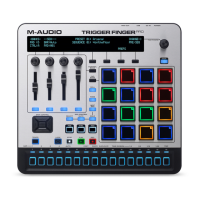
1. Enter Pad Solo Mode by pressing the Solo button.
2. Press any pad (or pads) whose sounds you want to solo or un-solo.
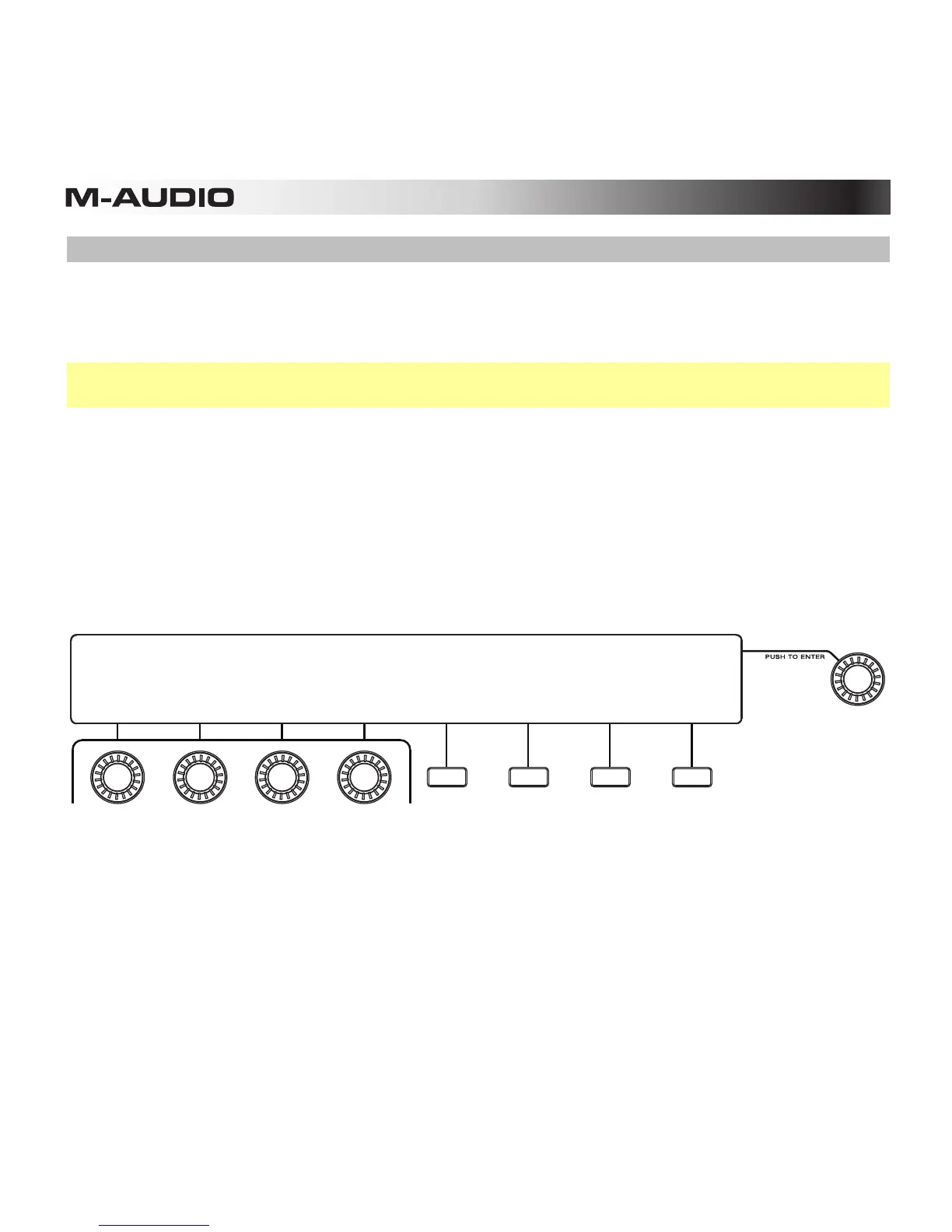
You can un-solo all muted pads by pressing the third Function Button (Un-Solo All).
3. Exit Pad Solo Mode by pressing the Solo button or the fourth Function Button (Exit).
SEQUENCER PAD SOLO MODE
Use pads to selectively solo
a pad in the current sequence
PAD BANK: A
UN-SOLO
ALL EXIT










 To Next Page