60
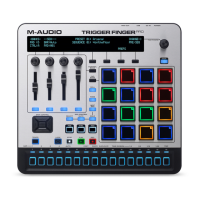
Transport Controls
The transport controls work in any mode. Some control both Trigger Finger Pro's Sequencer
and your DAW while others control the Sequencer only.
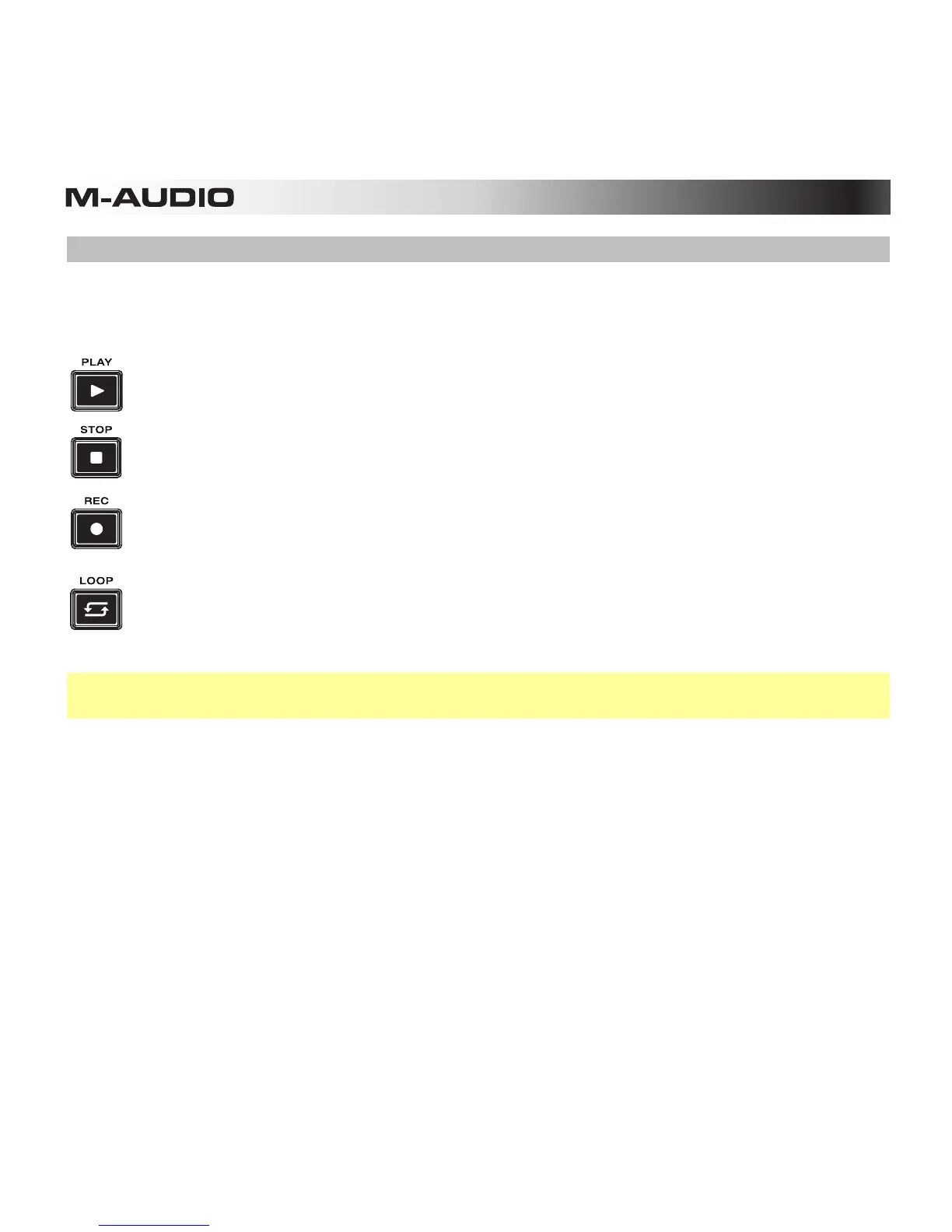
Play: Press this to start playback of Trigger Finger Pro's Sequencer and your DAW.
Stop: Press this to stop playback of Trigger Finger Pro's Sequencer and your DAW.
Record (Rec): Press this to record-arm Trigger Finger Pro's Sequencer.
Loop: Press this to activate or deactivate the Loop feature for the current bar of the
Sequence.
Note: You can configure how the Play and Stop buttons communicate with your DAW. See
Working with Presets: Transport Buttons to learn more.










 To Next Page