23
Operation
This chapter briefly explains Trigger Finger Pro's most basic features to help you get started
quickly. To learn more and get the most use out of your Trigger Finger Pro, though, we
recommend reading the rest of this User Guide.
Navigation
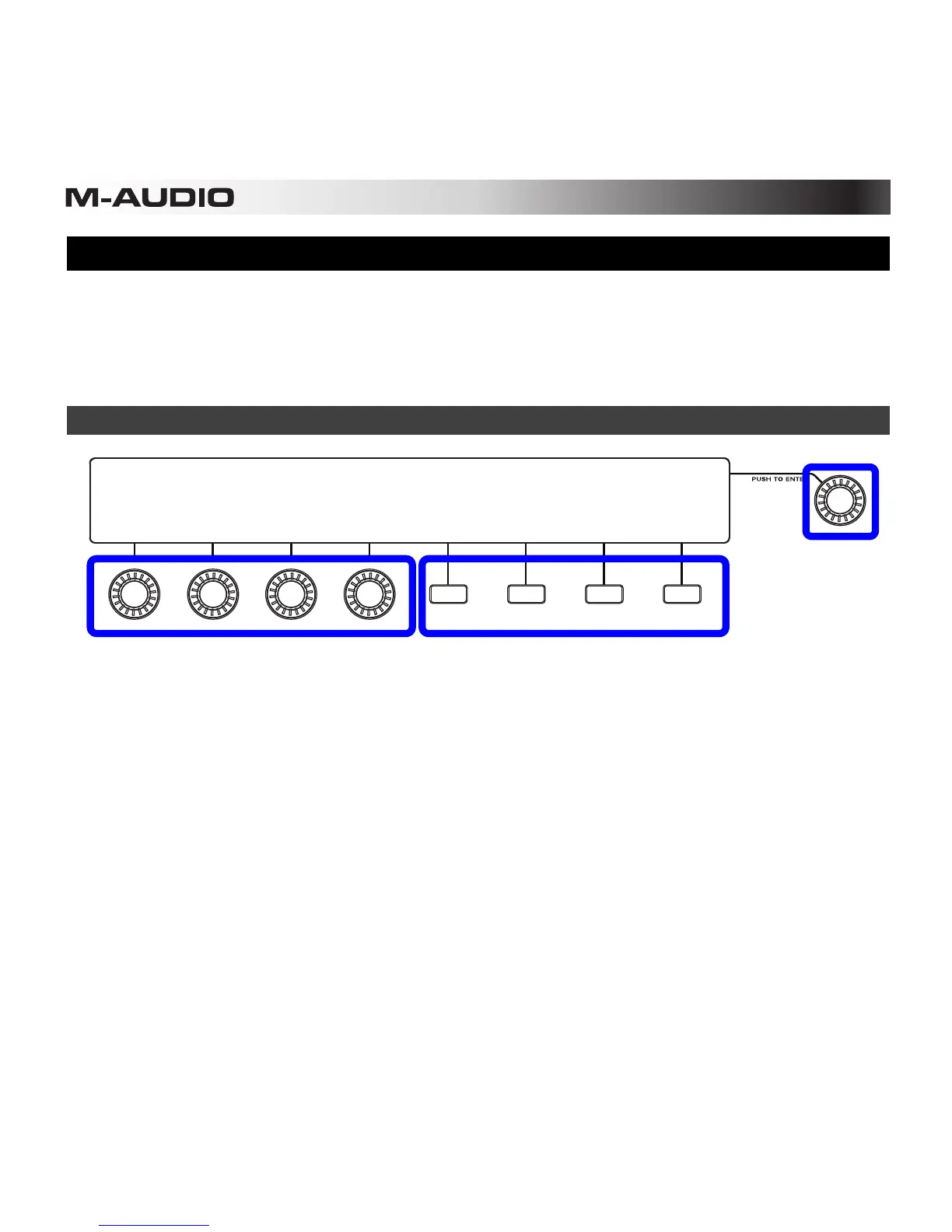
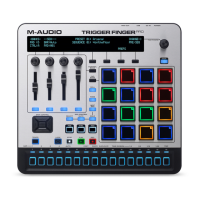
Trigger Finger Pro's display shows information about its current mode and operations. You
can navigate Trigger Finger Pro's different menus by using the following controls that surround
the display:
• Value Dial (Push to Enter): Use this dial to change the Preset, parameter values, settings,
etc. Press the dial when you want to "enter" a command or setting.
• Function Buttons: Press these buttons to execute the command shown right above it in
the display.
• Assignable Knobs: In certain modes, you can use these knobs to adjust the parameters
shown right above them in the display.
Assignable Knobs
Function Buttons










 To Next Page