MADE IN ITALY
58
electric modular oven
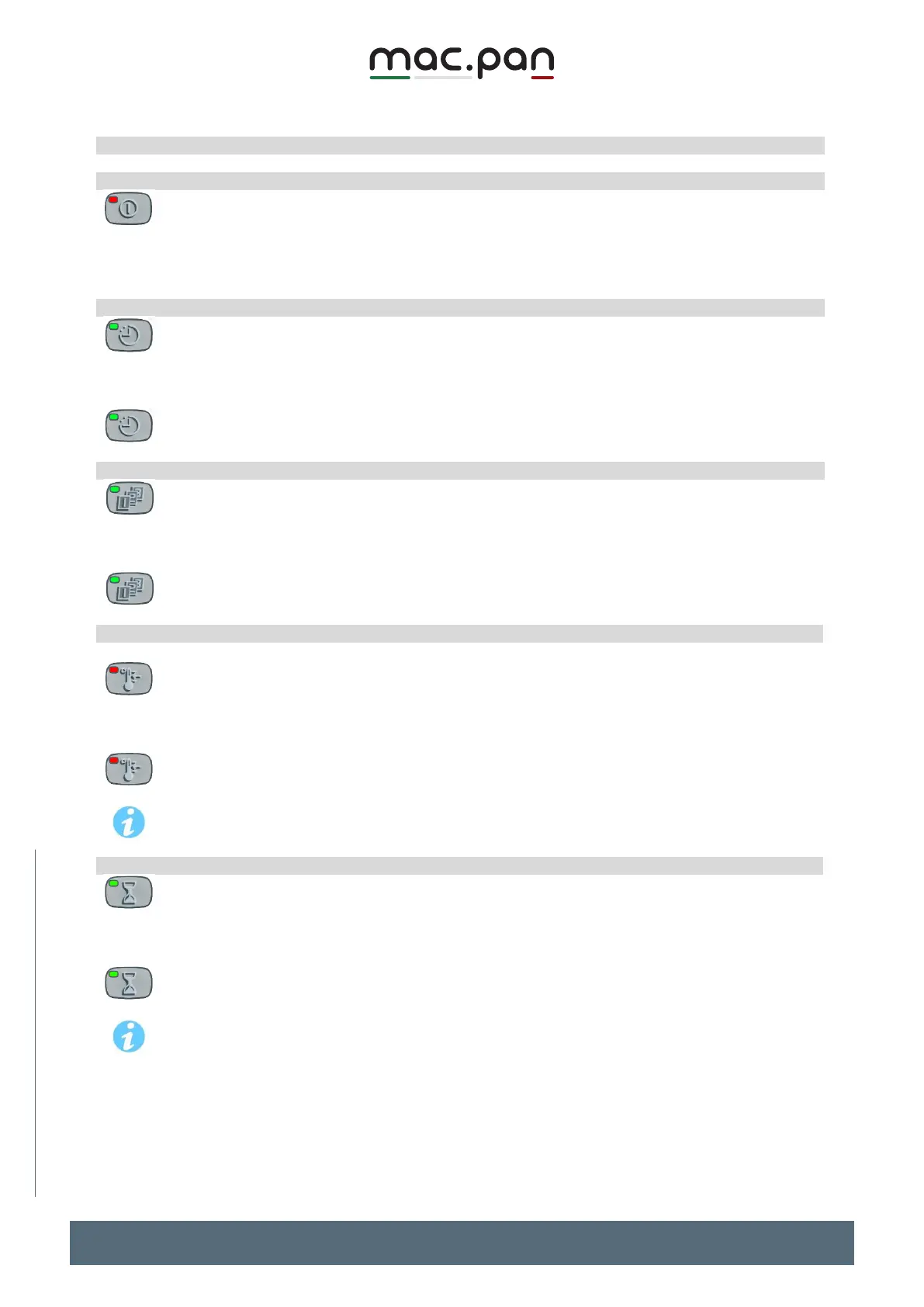
Switch the controller on and off
Hold the ON/OFF key for several seconds
if the instrument is on, it will turn off; if it is off, it will turn on.
Once on, the controller starts bringing the oven to temperature, according to the set
Hold the CLOCK key for 3 seconds
The minutes on the TIME display start blinking. Use the UP and DOWN arrows on the TIME
display to change the minutes.
Press the CLOCK key to change the hours (the hours start blinking)
Press CLOCK again or wait 10s to exit and confirm the time set.
Hold the DAILY REPEAT key for 3 seconds
The set day starts blinking on the TIME display, as follows dAy1=Monday, dAy2=Tuesday, .,
day7=Sunday.
Use the UP and DOWN arrows on the TIME display to change the day.
Press the key again or wait 10s to exit and confirm the day set.
Set the ceiling and bedplate temperature
The procedure below is to be carried out with the machine on and during baking.
Press and release the SET TEMPERATURE key.
The LED associated with the key lights up and the CEILING and BEDPLATE displays show
the currently set temperature.
Use the UP and DOWN arrows on the right to change it
To exit: press SET again or wait 10s.
To change the values faster, hold the UP or DOWN buttons.
Set and change the baking time
Press and release the BAKING TIMER key
The 4-digit display shows the baking time (hours and minutes) and the LED associated with
the key turns on steady.
To change the settings, use the UP and DOWN arrow buttons on the right.
To exit and confirm the new values press BAKING TIMER or wait for the time-out
To change the values faster, hold the UP or DOWN buttons for more than 3s.


 To Next Page