MADE IN ITALY
60
electric modular oven
Set the automatic restart time
You can set the oven to restart automatically at a certain time but only if the controller is on.
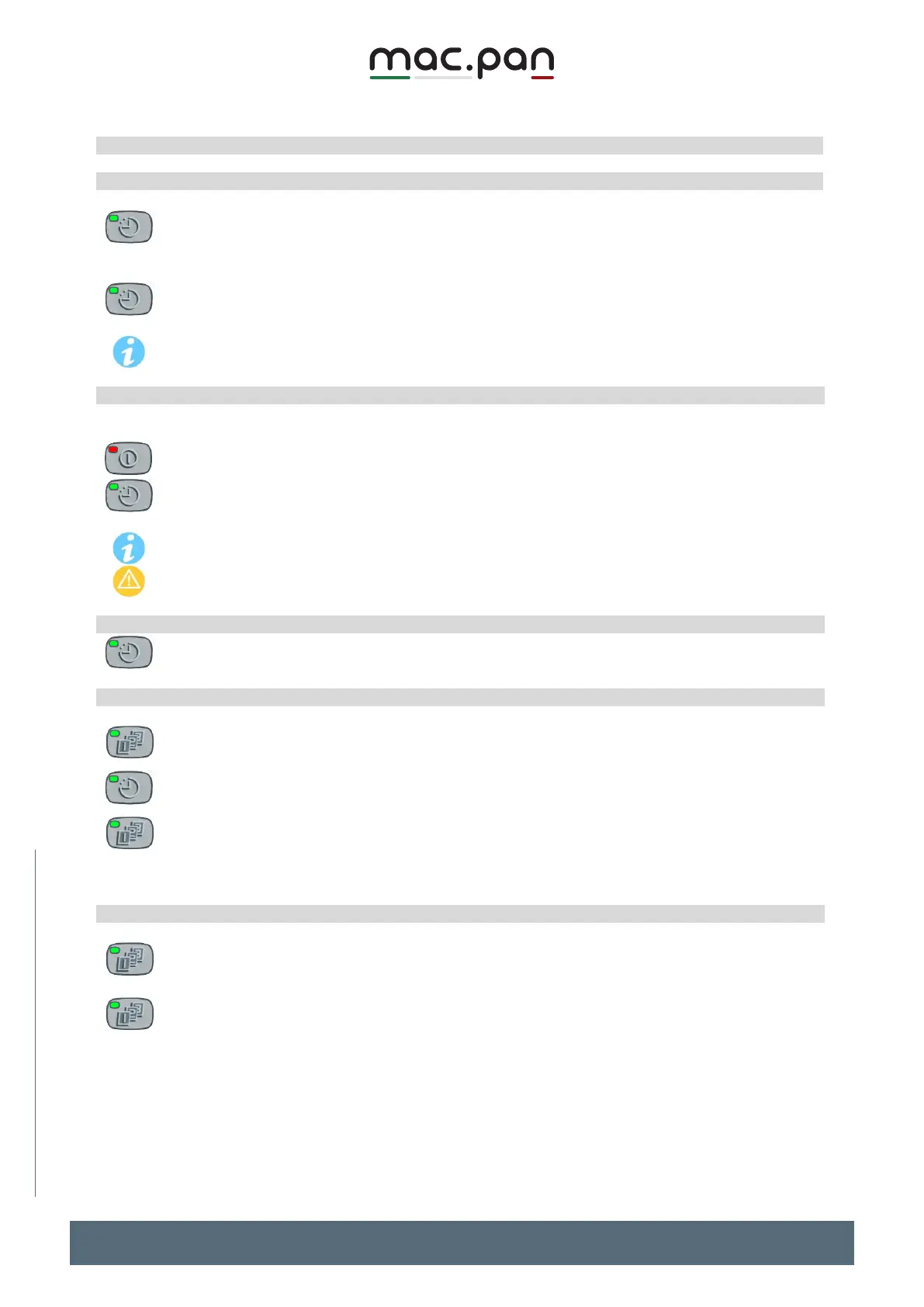
Press and release the CLOCK key
The TIME display shows the restart time; the minutes are blinking.
Use the UP and DOWN arrows on the right to change the minutes.
Press the CLOCK key again and use the UP and DOWN arrows on the right to change the
hours.
To exit and confirm the new values, press HOUR again or wait 10s.
To change the values faster, hold the UP or DOWN buttons for more than 3s.
Activate the automatic switch-on time
The automatic start time can be activated only if the controller is off.
To activate the oven restart time:
Turn off the oven by pressing the ON/OFF key
Press the CLOCK key; the TIME display shows the restart time for a few seconds and the
LED of the key starts blinking.
After a few seconds, the time display shows the current time again.
When the automatic start function is on, the LED of the CLOCK key blinks.
The automatic restart time function must be enabled each time the oven is switched off.
Deactivate the automatic restart function
Just press the CLOCK key when the LED blinks. The LED turns off and the automatic restart
function is disabled.
Automatic restart daily repeat
You can program the oven to start automatically at the same time every day
With the oven off, press the DAILY REPEAT key
The time display shows the restart time for 3s; the LED on the button turns on steady,
indicating that the baking start time set is valid for every day of the week. The LED of the
CLOCK key starts blinking.
To DISABLE this function, press the DAILY REPEAT key again.
Attention: the oven will still start automatically once, as indicated by the LEDs of the CLOCK
and START keys
Selecting the restart days
You can select the days when you want the baking cycle to start automatically.
With the OVEN ON, press the DAILY REPEAT key
The 4-digit display shows dAy1 =Monday.
To enable/disable the automatic daily start function for that day, press the DAILY REPEAT
key (when you release the key, the LED on the key turns on or off)
Scroll through the different days using the UP and DOWN arrows (dAy2=Tuesday,
dAy3=Wednesday, dAy4=Thursday, dAy5=Friday, dAy6 =Saturday, dAy7=Sunday).
Repeat the enabling/disabling operation for all the days of the week
To exit and confirm, press Daily for another 3s or wait for the time-out.


 To Next Page