84
Identifix
®
Direct-Hit
®
Identifix® Direct-Hit® requires an account setup with Identifix®. To set up an account, go to www.identifix.
com and complete the necessary steps.
Once an account is set up with Identifix®:
• Select Settings button from the home screen.
• Select Direct-Hit® from the available tabs on the left margin of the screen.
• Input the username and password acquired from
• Identifix® by selecting the empty field.
• Using the virtual keyboard, enter required information for both fields.
• Select Save.
• Information saved will be displayed.
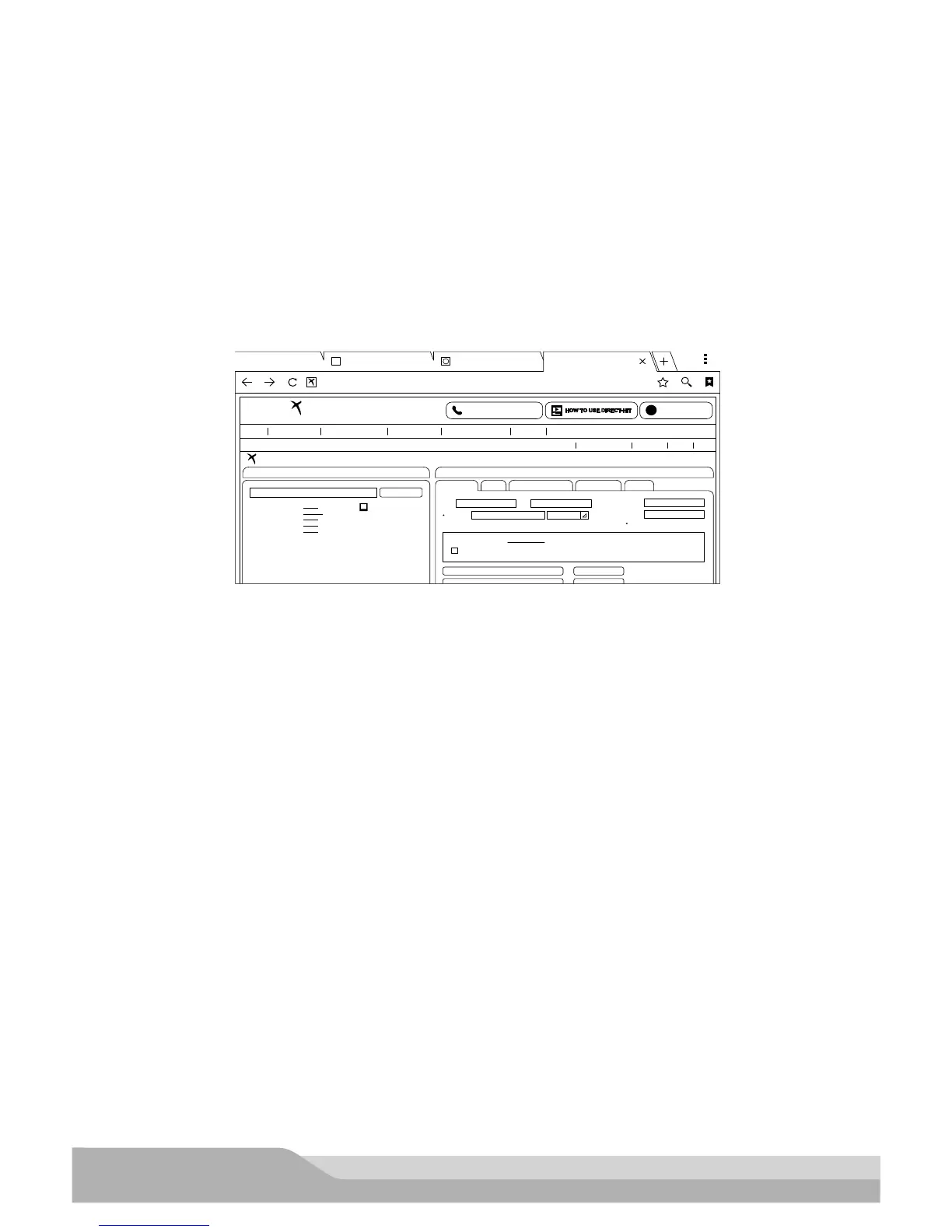
1. Select Identifix® Direct-Hit® from the Diagnostic Information screen.
1 - P2176
2 - No Start
3 - P1799
4 - P0335
5 - P0318
file://storage/emulated...
CONTACT REPAIR HOTLINE LATEST UPDATES
3
Home
SEARCH FIXES SERVICE MANUALS MAINTENANCE QUOTE ESTIMATING HOTLINE MY SHOP
Post Fix Can’t Find OEM Info?
2003 Cadillac CTS 3.2L, V6, VIN N USA
[Keyword/Code]
Top Searches
For This Vehicle:
Service Manuals Only
First
Odometer
Dashboard Schedule
Reset Procedure - Maintenance Indicator
View Traditional maintenance Schedules
Customer Plan
Technician Plan
Which Schedule?
CHANGE ENGINE OIL message
Last
License
Fleet #
Entry Required
Choose a Maintenance Schedule:
Miles
MAINTENANCE QOUTE MOTOR PARTS & LABOR CHILTON LABOR RECALLS
Users Viewing Cadillac Vehicles: 733 SPX - SPX
New Vehicle Referral Logout
BOOKMARKSHOME
SEARCH ALL
Search
Direct-Hit -- Main Asset...Google
http://www.identifix.com/asset_search_main.aspx?LogSL=19&LogDL=29&LogWL=2&L
2006 jeep rims - Google...
g
IDENTIFI
DIRECT-HIT
ESTIMATING
ss02506
Identifix® Direct-Hit® is now set up for use on the handset. There are a few areas where Identifix® Direct-Hit®
may be selected:
• From DTC information screen after having selected Read DTCs from the Home Screen and a listed DTC
• After running an “All DTC Scan” from the “Read DTCs” screen and after having selected a listed DTC in
the All DTC Report screen.
• After running an AST from the Read DTCs screen, and after having selected a DTC under the DTC tab at
the AST report screen.
• From the “Diagnostic Information” screen, after having selected Diagnostic Information from the Home
Screen.


 To Next Page