Director MX 3D Tutorial 115
Pan the camera horizontally
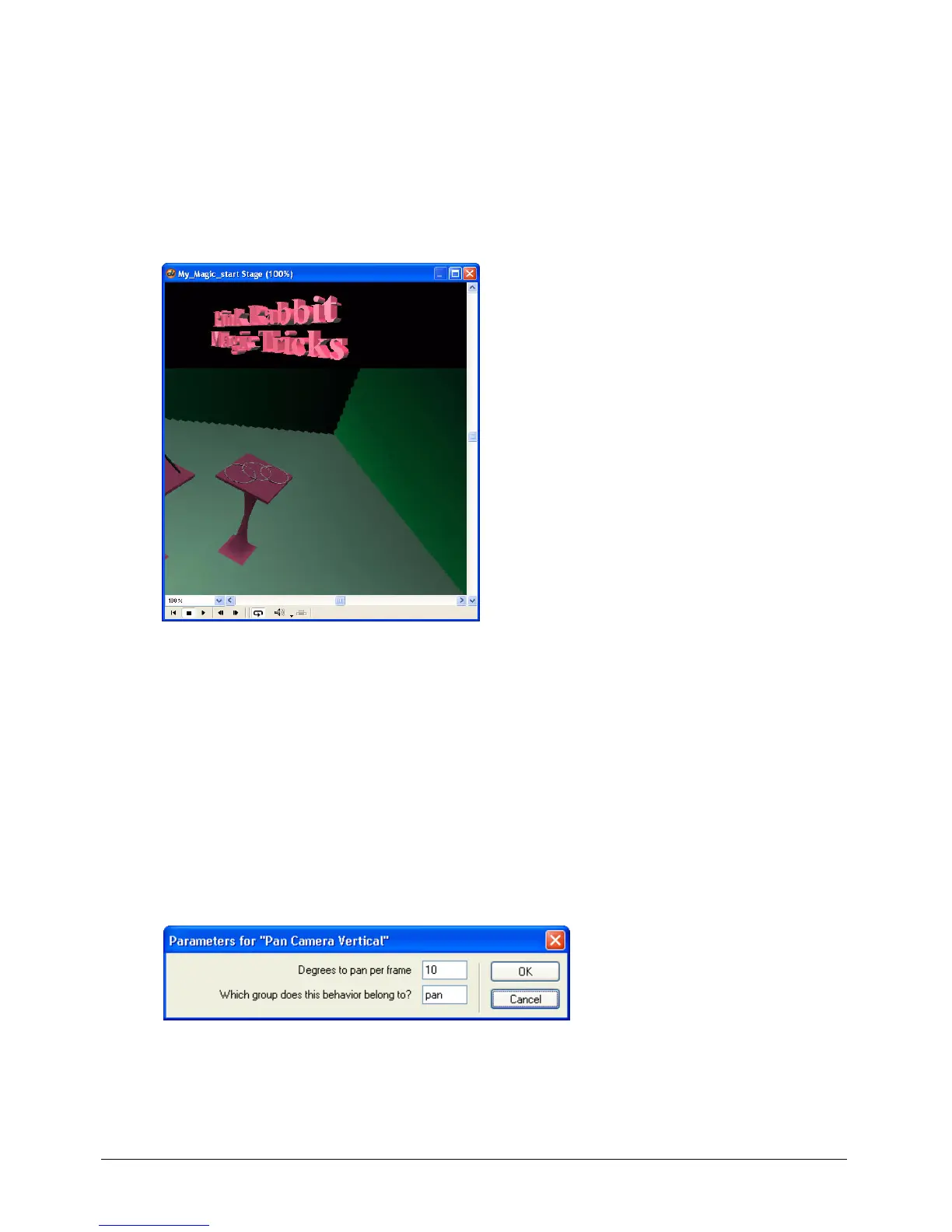
To see the Pan Camera Horizontal behavior in action, do the following:
1 Play the movie and press the Left Arrow key repeatedly.
Each time you press the key, the camera for the 3D world moves a little to the left.
2 Press the Right Arrow key to see the camera change direction.
3 When you finish viewing the panning behaviors, stop and rewind the movie.
Apply an action behavior to pan the camera vertically
Attaching the Pan Camera Vertical behavior is similar to attaching the Pan Camera Horizontal
behavior.
1 In the Library palette, select 3D > Actions from the Library List pop-up menu.
2 Drag the Pan Camera Vertical behavior from the Library palette to the Magic trick sprite
on the Stage.
3 In the Parameters for Pan Camera Vertical dialog box, specify the following:
• In the Degrees to Pan Per Frame text box, type 10.
• In the Which Group Does This Behavior Belong To text box, type pan. Then click OK.



 To Next Page