Chapter 3116
Add a trigger for the Pan Camera Vertical action
Again, you must associate triggers with the action. First, you will specify a trigger to pan the
camera upward.
1 Drag the Keyboard Input behavior from the Cast window to the Magic trick sprite on
the Stage.
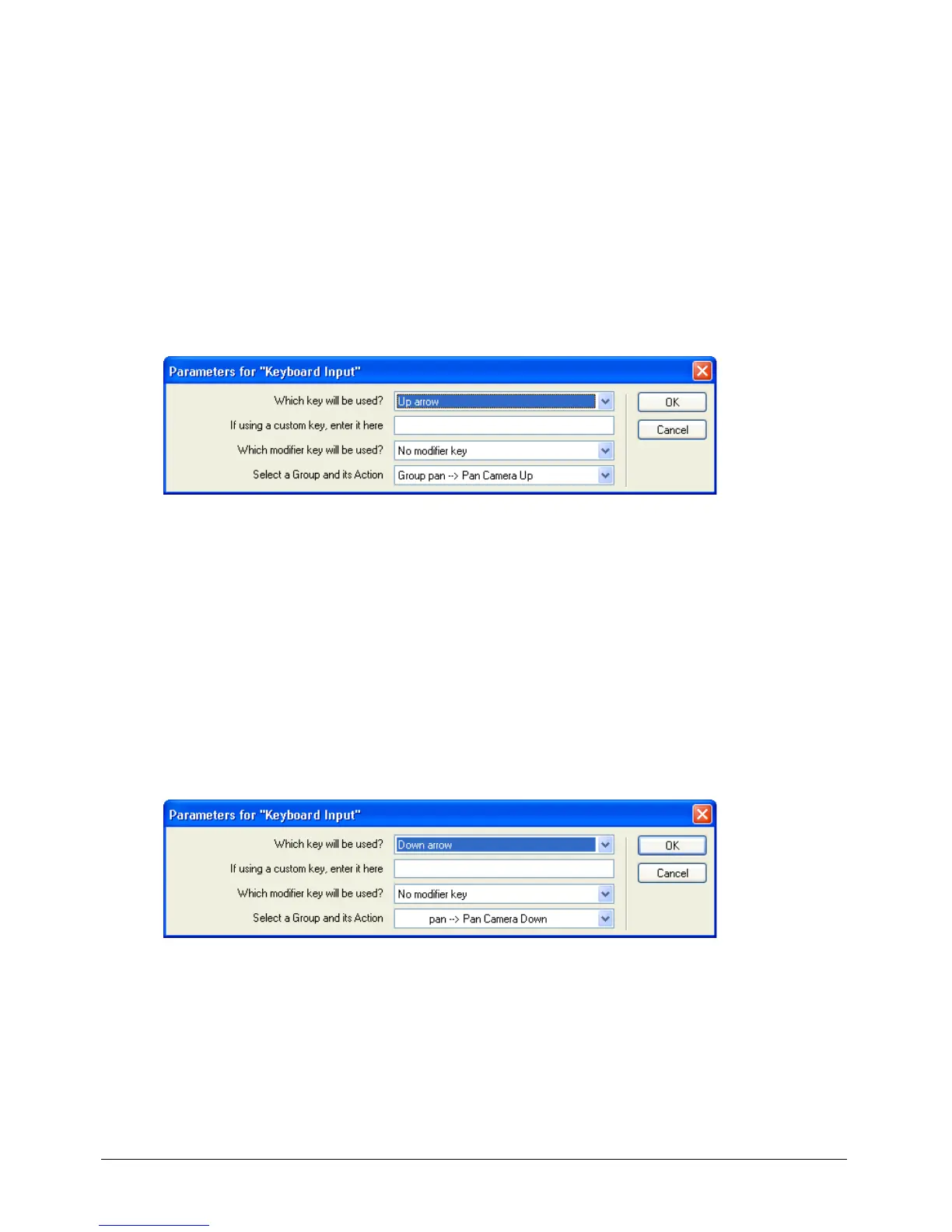
2 In the Parameters for Keyboard Input dialog box, specify the following:
• In the Which Key Will Be Used pop-up menu, select Up Arrow.
• Verify that the second text box is blank and that No Modifier Key appears in the third text box.
• Confirm that Group Pan – Pan Camera Up appears in the Select a Group and Its Action
pop-up menu. Then click OK.
Add the panning trigger for the opposite direction
You can probably guess how to establish downward panning:
1 Again, drag the Keyboard Input behavior from the Cast window to the Magic trick sprite.
2 In the Parameters for Keyboard Input dialog box, specify the following:
• In the Which Key Will Be Used pop-up menu, select Down Arrow.
• As before, verify that the second text box is blank and that No Modifier Key appears in the
third text box.
• In the Select a Group and Its Action pop-up menu, select Pan – Pan Camera Down. Then
click OK.



 To Next Page