Chapter 124
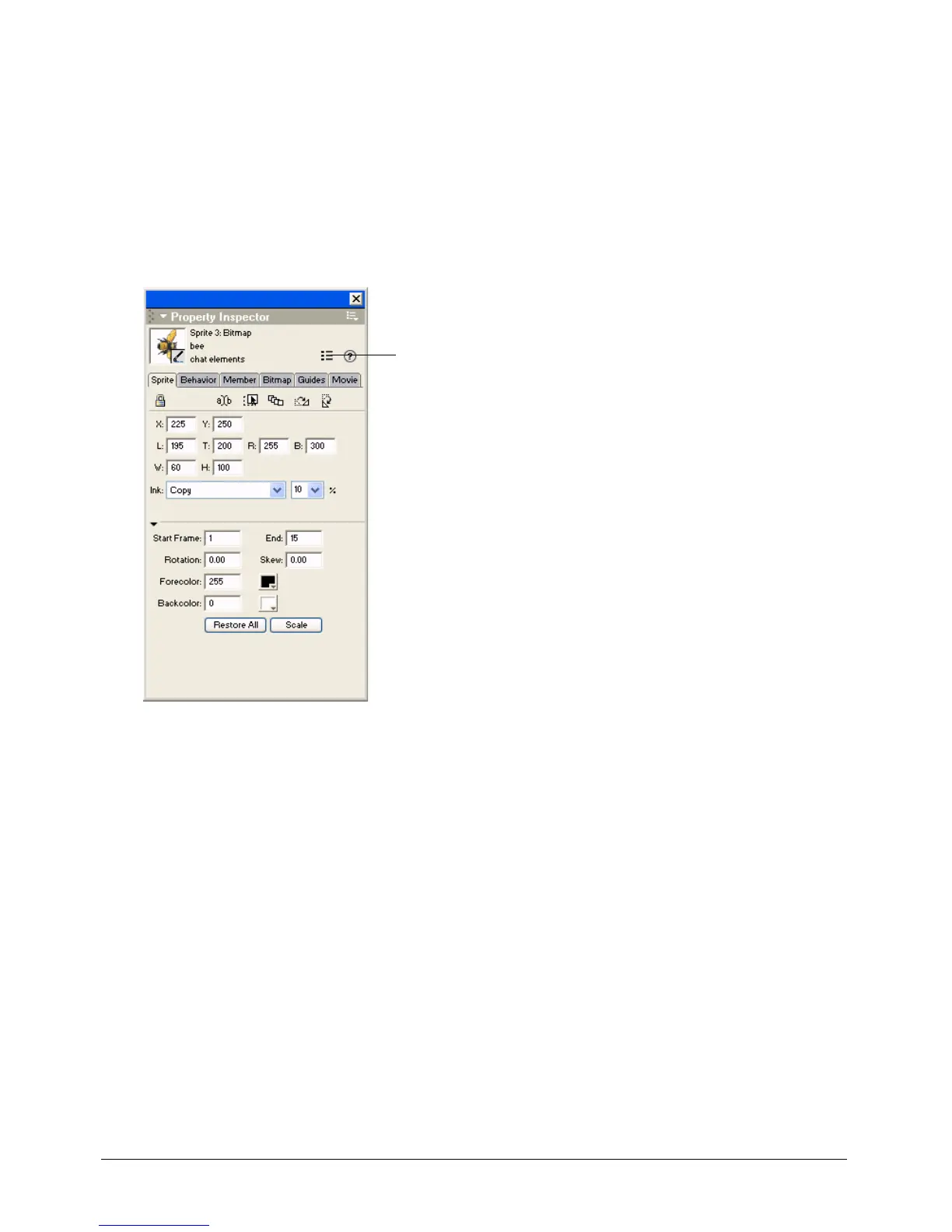
The Property inspector
If the Property inspector is not visible, select Window > Property Inspector.
The Property inspector provides a convenient way to view and change attributes of any selected
object, or multiple objects, in your movie. After you select an object, relevant category tabs and
associated fields appear in the Property inspector. If you select multiple objects, only the
information that is common to all the selected objects appears.
The List View Mode icon in the Property inspector lets you toggle between a List and a
Graphical view.
List View Mode icon



 To Next Page