Director Basics 25
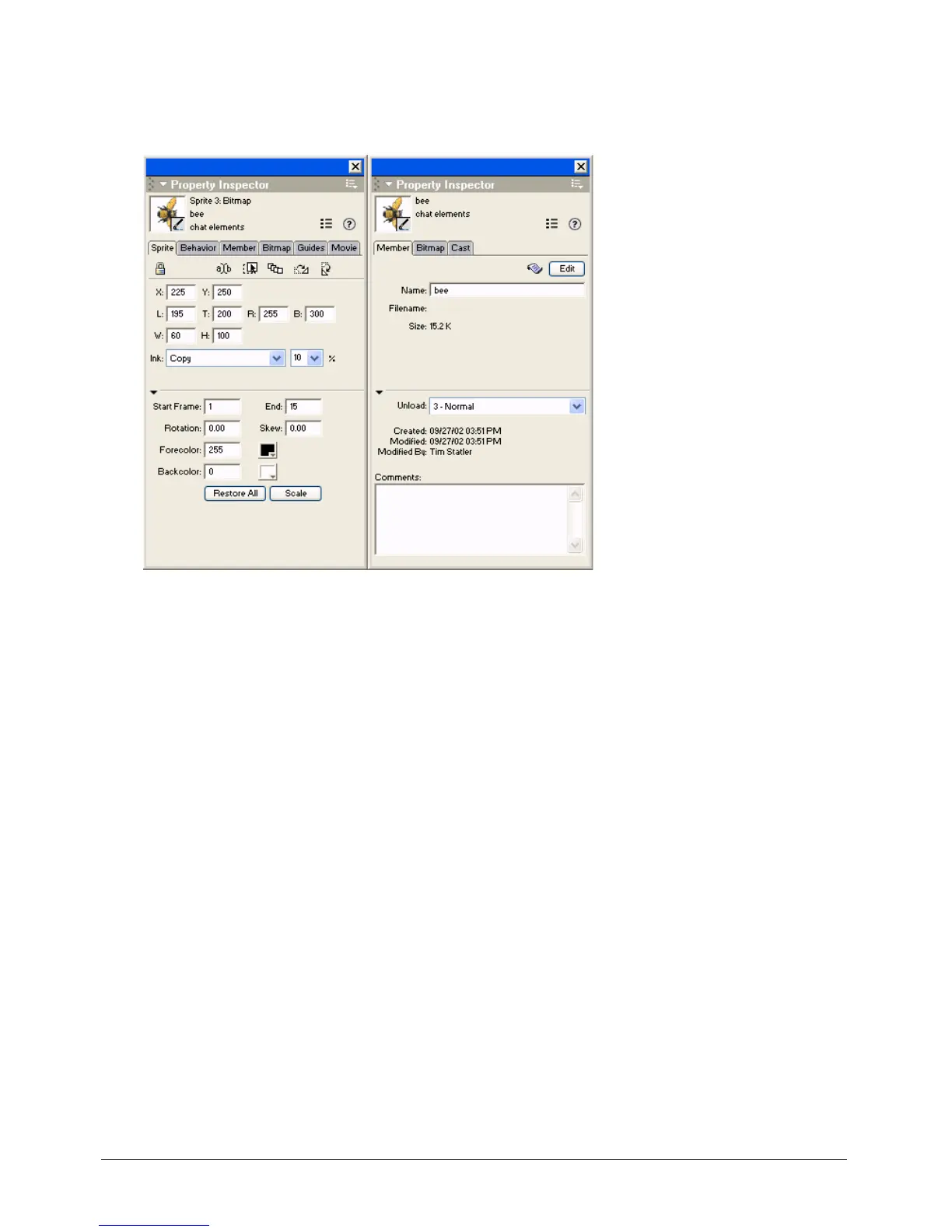
The following illustrations show different information that appears in the Property inspector,
depending on what is selected. In the first illustration, a sprite is selected. In the second
illustration, a cast member is selected.
To show more or less information in the Property inspector:
• Click the expander arrow in the Property inspector.



 To Next Page