Color, Tempo, and Transitions 263
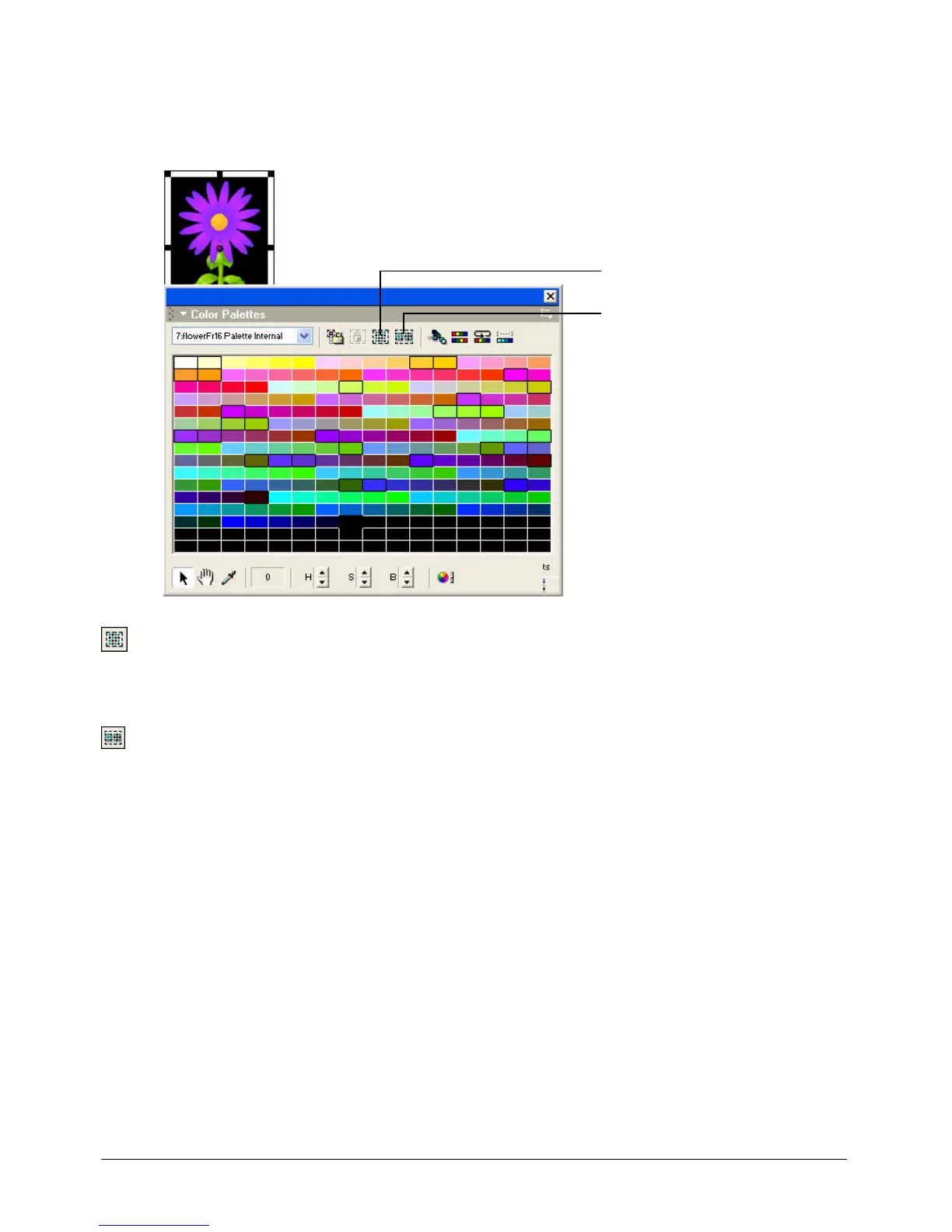
To select colors in the palette used by the current cast member:
1 In the Cast window, select the cast member.
2 Select Window > Color Palettes.
3 Click the Select Used button in the Color Palettes window.
4 In the Select Colors Used In Bitmap dialog box, click Select.
To select all colors not currently selected:
• Click the Invert Selection button in the Color Palettes window.
Select Used button
Invert Selection button



 To Next Page