Director Basics 31
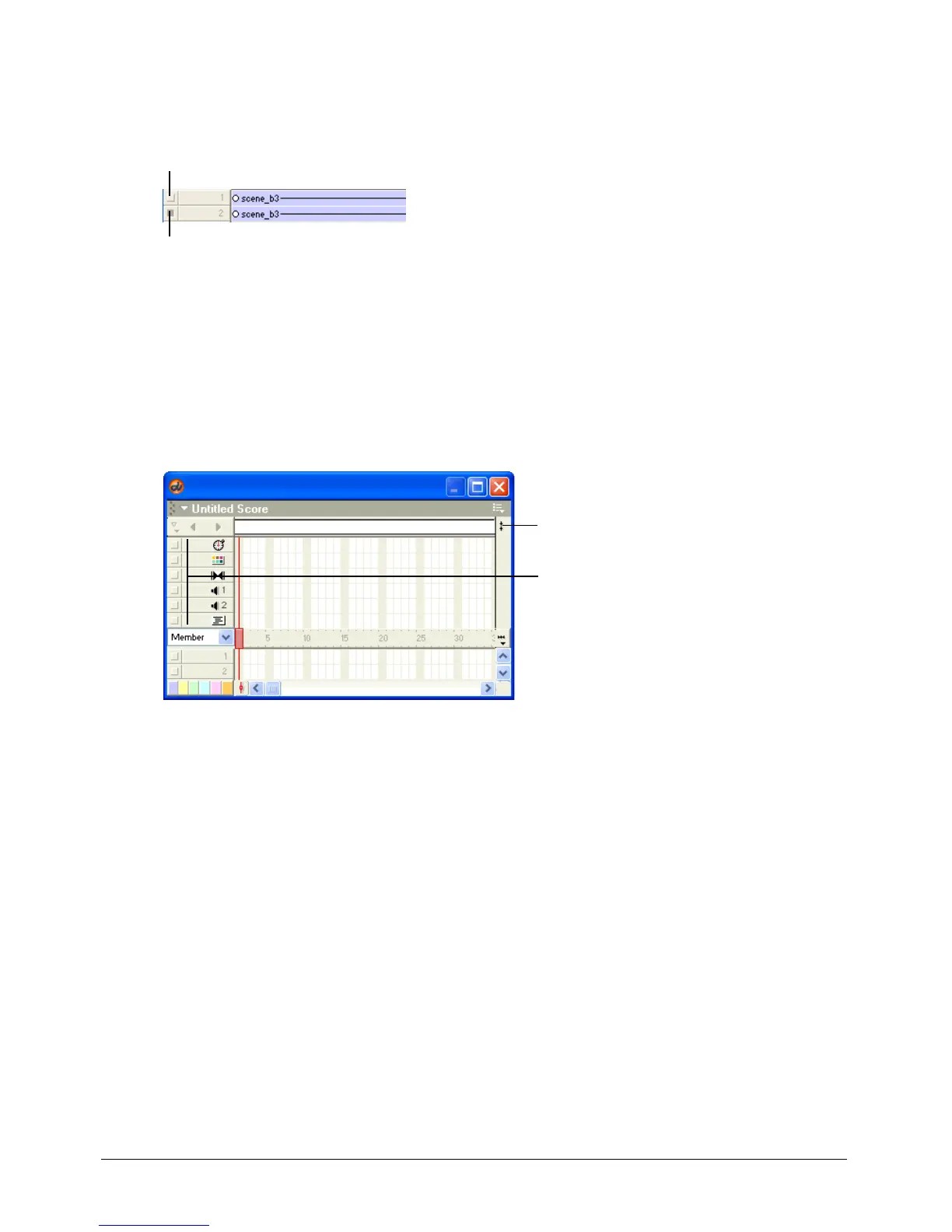
To turn off a Score channel:
• Click the gray button to the left of the channel. A darkened button indicates that the
channel is off.
To turn multiple Score channels off and on:
• Press Alt (Windows) or Option (Macintosh), and click a channel that is on to turn all the other
channels off, or click a channel that is off to turn the other channels on.
To show or hide the special effects channels:
• Click the Hide/Show Effects Channels button in the upper right corner of the Score to change
the display.
About Frames
A frame in a movie represents a single point in time, which is similar in theory to a frame in a
celluloid film. Numbers are listed horizontally in the sprite and special effects channels represent
frames. Setting the number of frames displayed per second sets the movie’s playback speed.
This channel is on
This channel is off
Effects channels
Click here to show or hide
the effects channels



 To Next Page