Chapter 132
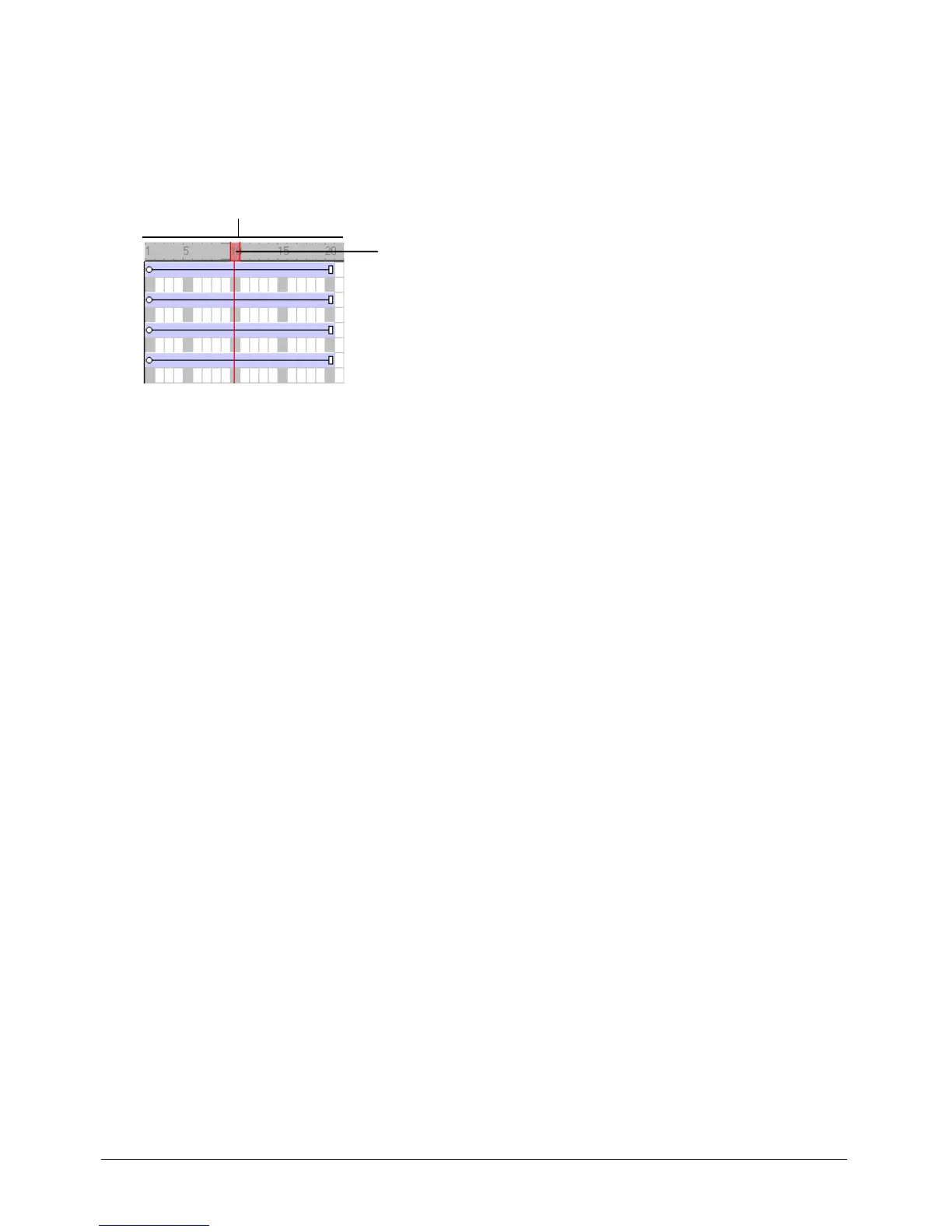
About the playhead
The playhead moves through the Score to show the frame currently appearing on the Stage. As
you play your movie, the playhead automatically moves through your Score. You can also click
any frame in the Score to move the playhead to that frame, and you can drag the playhead
backward or forward through frames.
Changing your view of the Score
To narrow or widen the Score, you change the zoom percentage. Zooming in widens each frame,
which lets you see more data in a frame. Zooming out shows more frames in less space and is
useful when moving large blocks of Score data.
To change the zoom setting:
• Select View > Zoom, and then select an option.
Frame numbers
Playhead



 To Next Page