Director MX Basics Tutorial 73
Animate the cloud
You are now ready to add the cloud to the scene and create an animation of it moving across the
sky. You can do this by placing a sprite of the Cloud cast member on the Stage, and then using a
technique called tweening.
1 If the playhead is not already on frame 15, the beginning of the second scene, click frame 15 in
the frame number bar at the top of the Score.
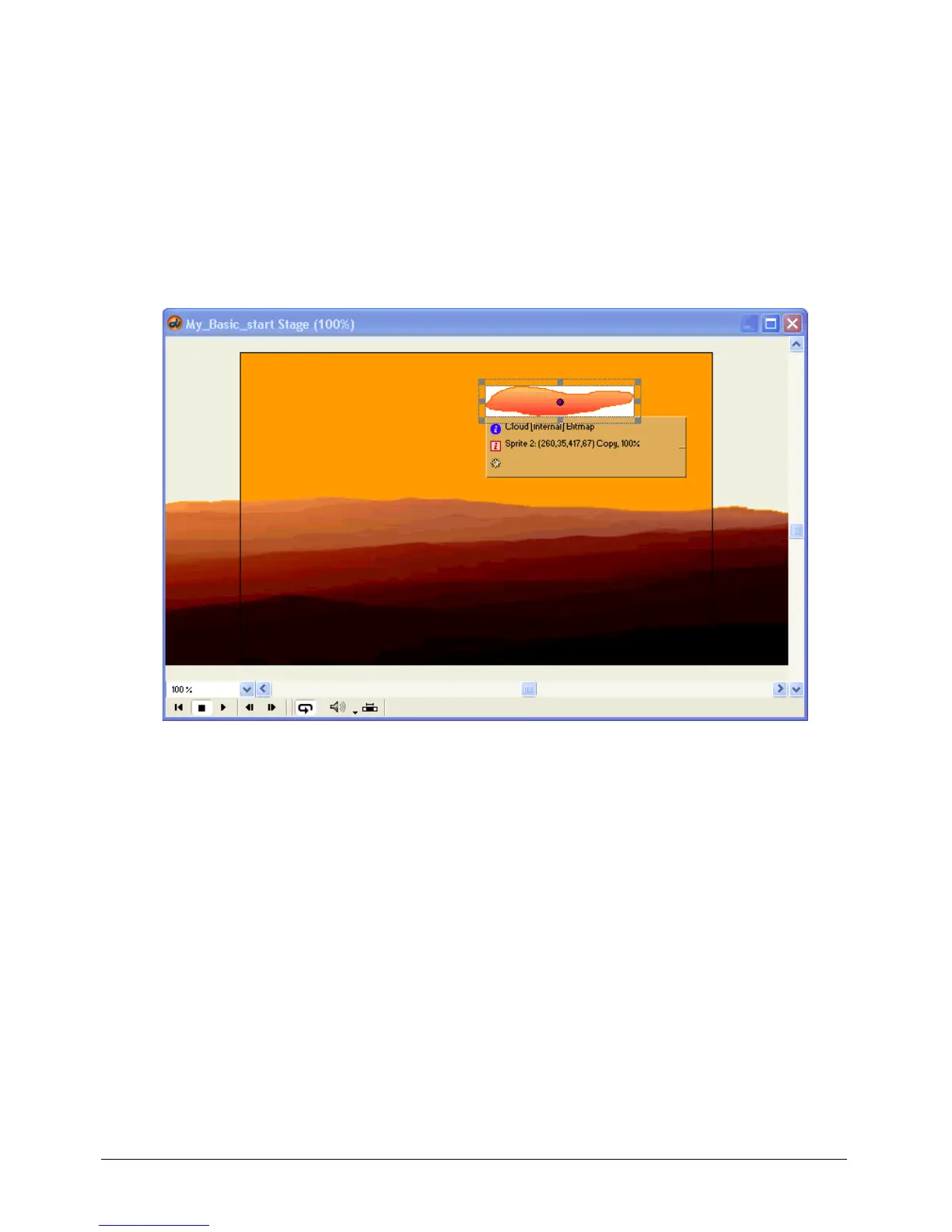
2 Make sure the Cast and Stage windows are open. Drag the Cloud cast member from the
Cast window to the Stage window. Place it near the top of the Stage window, slightly to the
right of center.
3 Select the Cloud sprite on the Stage. In the Property inspector (Window > Property Inspector),
go to the Sprite tab, and select Background Transparent from the Ink pop-up menu.



 To Next Page