Chapter 272
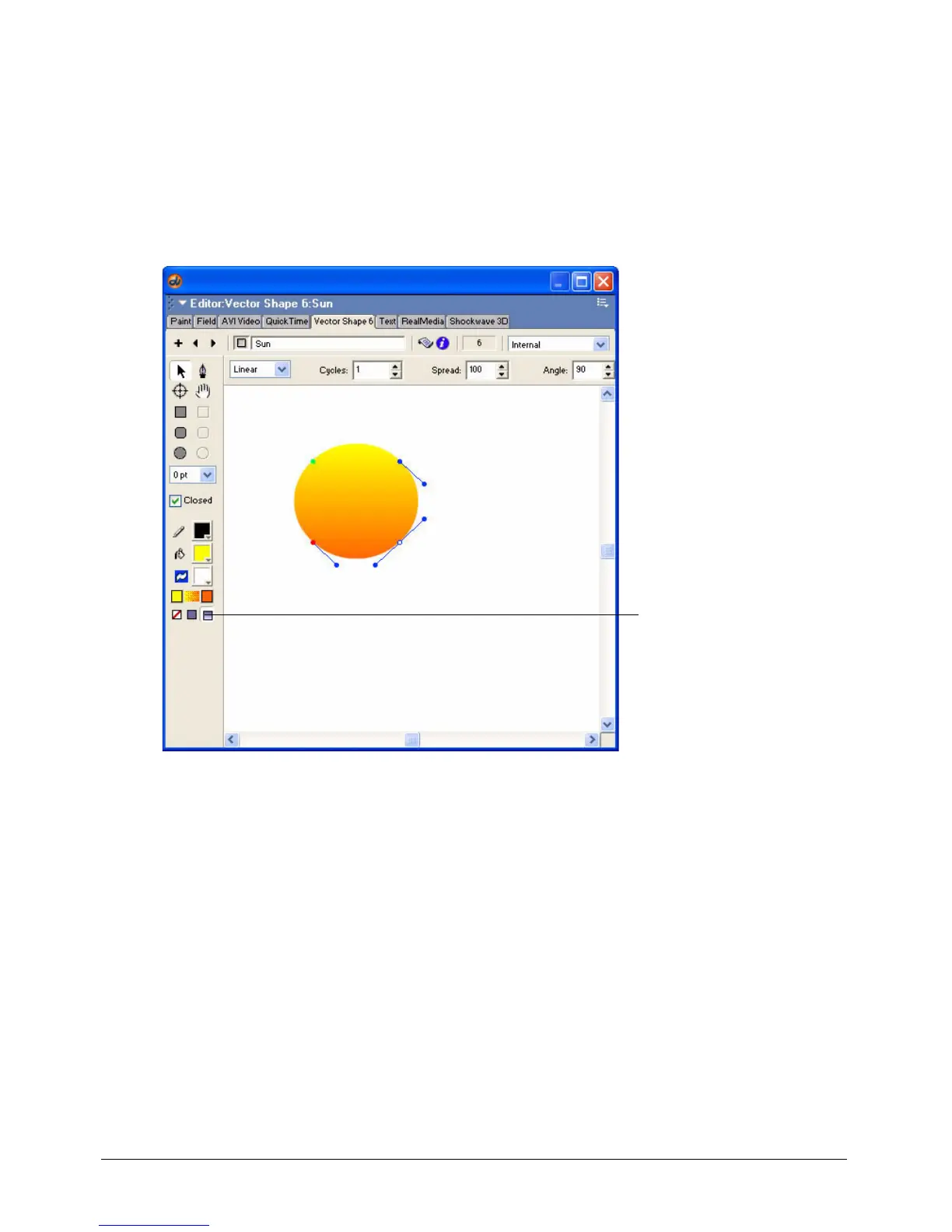
5 Select a very light orange from the second Gradient Color box. This will be the ending color
of the gradient.
6 Click Gradient, below the Gradient Color boxes.
7 The gradient fill in the circle changes color from left to right. To rotate the gradient so it
changes from top to bottom, enter 90 in the Angle text box at the top of the window.
8 Click the Cast Member Name text box at the top of the window and type Sun. Press Enter
Windows) or Return (Macintosh).
9 Save your movie, and close the Vector Shape window.
Gradient



 To Next Page