Director MX Basics Tutorial 71
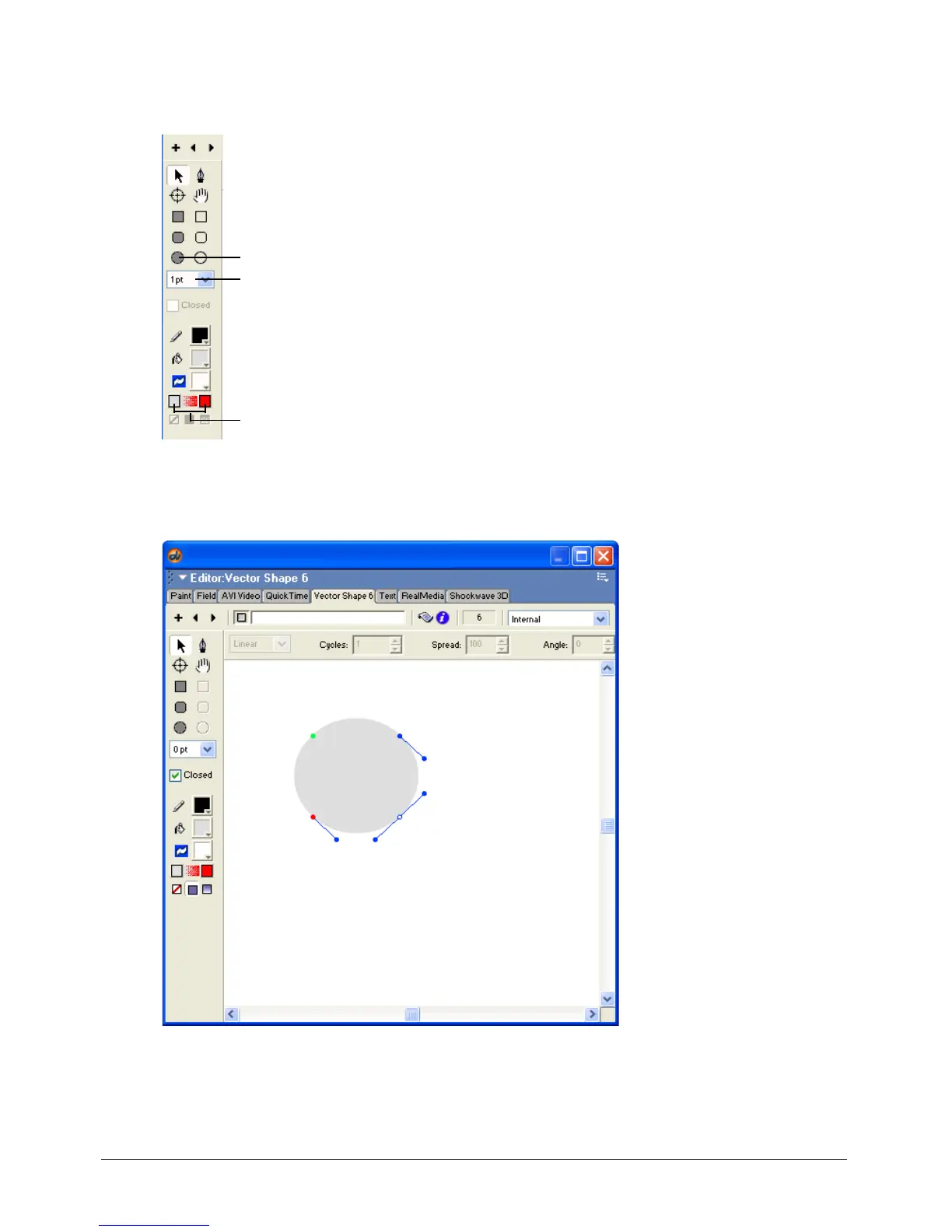
1 Select Window > Vector Shape, and select the Filled Ellipse tool in the toolbar on the left side
of the window
2 Select 0 point from the Stroke Width pop-up menu.
3 Drag the pointer in the window to make a circle.
4 Click the first Gradient Color box, on the left, and select a bright shade of yellow. This will be
the beginning color of the gradient on the sun.
Filled Ellipse tool
Stroke Width pop-up menu
Gradient color boxes



 To Next Page