Modify a symbol 121
Modify a symbol
You can enter symbol-editing mode by double-clicking any instance of a
symbol. Changes that you make in symbol-editing mode affect all
instances of the symbol.
1. Do one of the following to enter symbol-editing mode:
■ On the Stage, double-click one of the car instances.
■ In the Library panel, double-click the CarGraphic symbol.
Next to Scene 1 toward the top of the workspace, the name of the
symbol appears, which indicates that you’re in symbol-editing mode for
the named symbol.
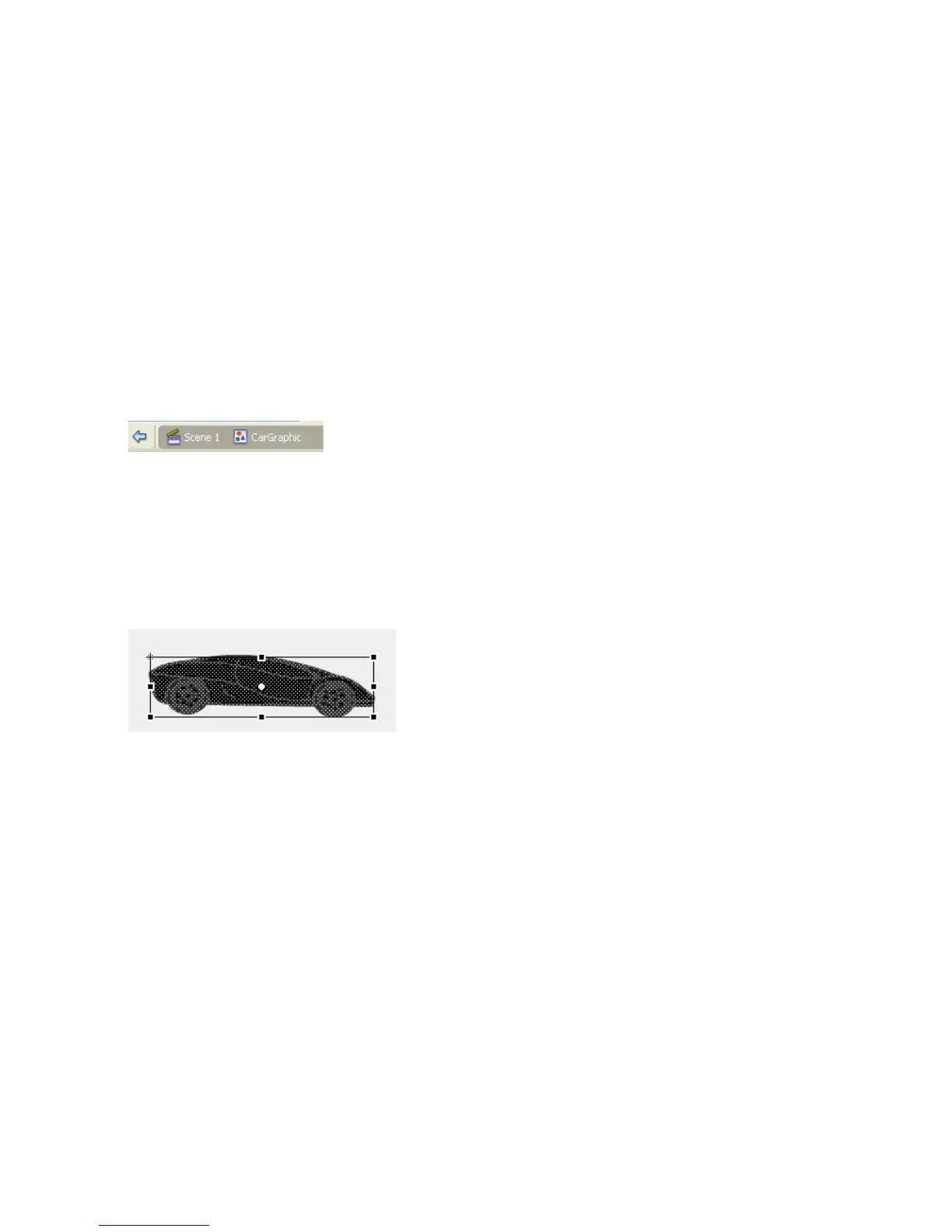
2. In the Tools panel, select the Free Transform tool and drag around the
bottom car to select the entire car.
In symbol-editing mode, the car is a graphic, within a symbol, that you
can manipulate as you would any other vector graphic.
3. Drag the middle-right sizing handle of the Free Transform tool slightly
to the right to stretch the symbol.
4. Click Scene 1, above the Timeline, to exit symbol-editing mode.
Both instances of the symbol reflect the transformation.



 To Next Page