132 Basic Tasks: Add Button Animation and Navigation
Add navigation to a button
With behaviors, you can quickly add navigation to a button without
having to know ActionScript. You’ll add navigation to open a web page
when the user clicks a button.
1. On the Stage, select the instance of Button 1.
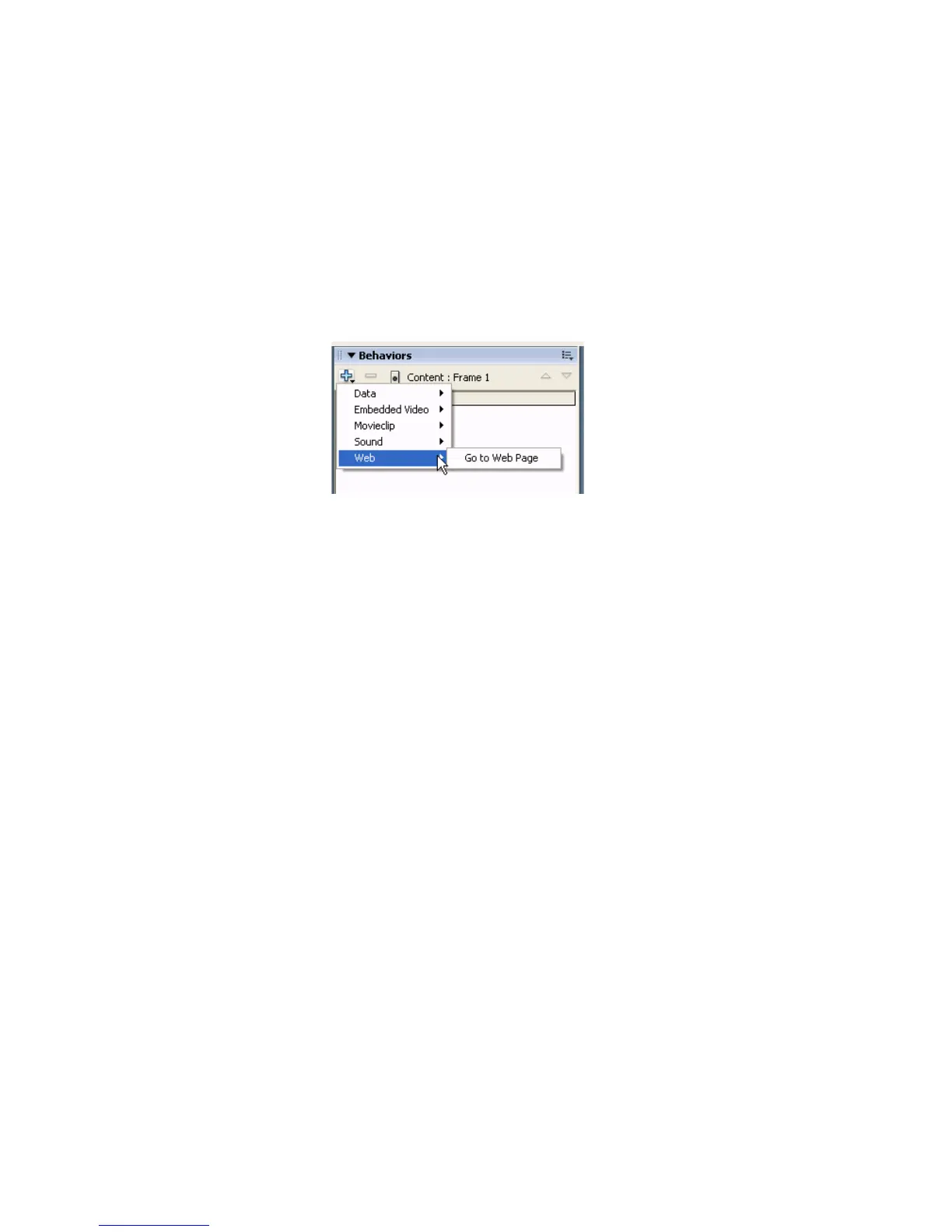
2. In the Behaviors panel (Window > Behaviors), click Add Behavior and
select Web > Go to Web Page.
3. In the Go to URL dialog box, select _blank in the Open In pop-up
menu to open the URL in a new browser window. In the URL text box,
either accept the default setting of http://www.macromedia.com or
enter a different URL. Click OK.
4. If desired, repeat the previous steps, selecting Button 2 and then Button
3, to add navigation to those buttons as well.
5. Click the pop-up menu control in the upper-right side of the Behavior
panel, and select Close Panel.



 To Next Page