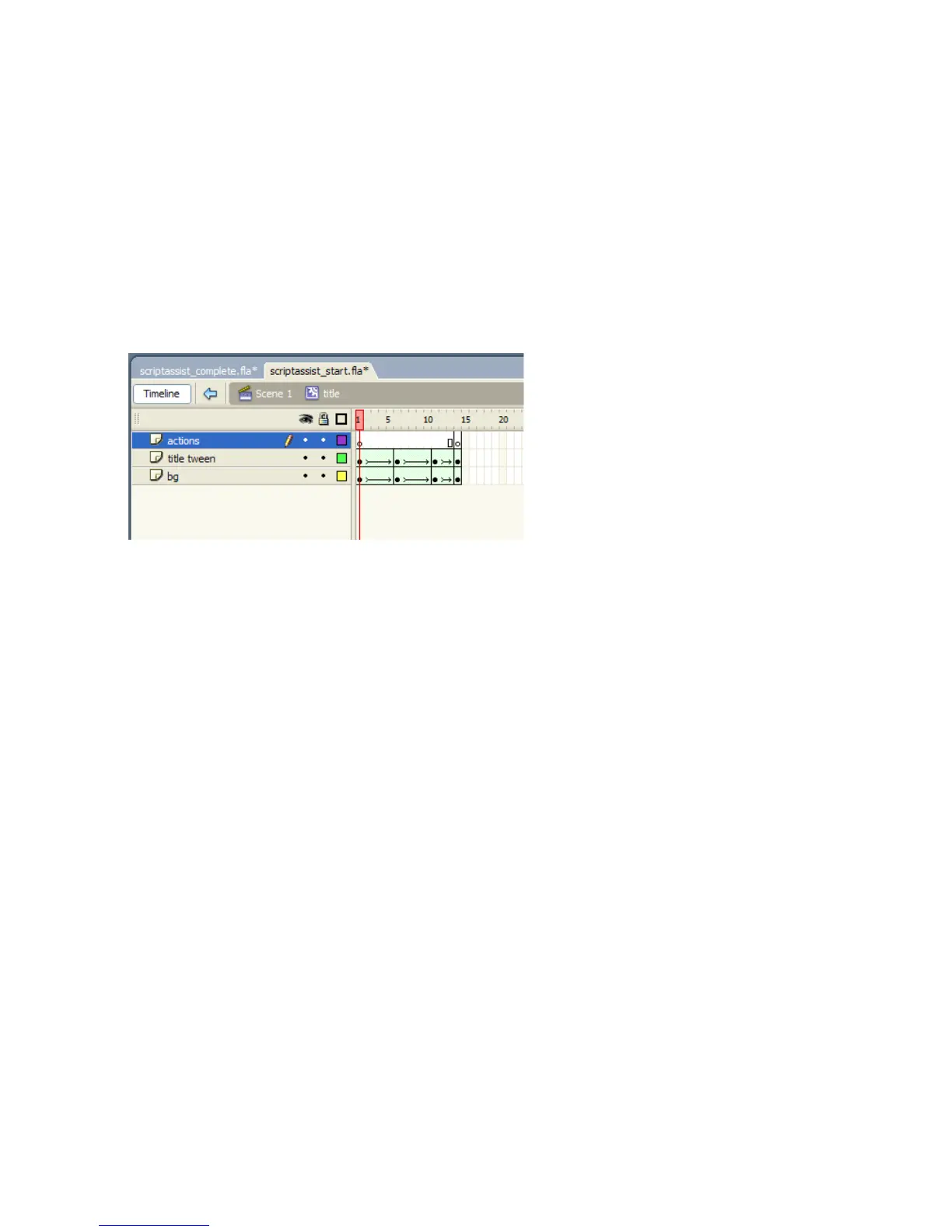
Add a frame script to the Title movie clip 221
Add a frame script to the Title
movie clip
The final step is to add a script to the last frame of the Title movie clip.
This script is used to display the text “Home” in the
Title movie clip
when its animation has completed.
1. From the Library panel, select the Title movie clip and its timeline
is displayed.
Selecting the
Title movie clip timeline to add a script to the last frame
2. With the Actions layer selected, select the last frame (14) on the
Timeline.
3. In the Actions panel, click Script Assist to display Script Assist mode.
4. Using either the Actions toolbox or the Add button on the Actions
panel toolbar, select Global Functions > Timeline Control and insert
the
stop() function.



 To Next Page