194 Creating Graphics: Apply Graphic Filters and Blends (Flash Professional Only)
Review your task
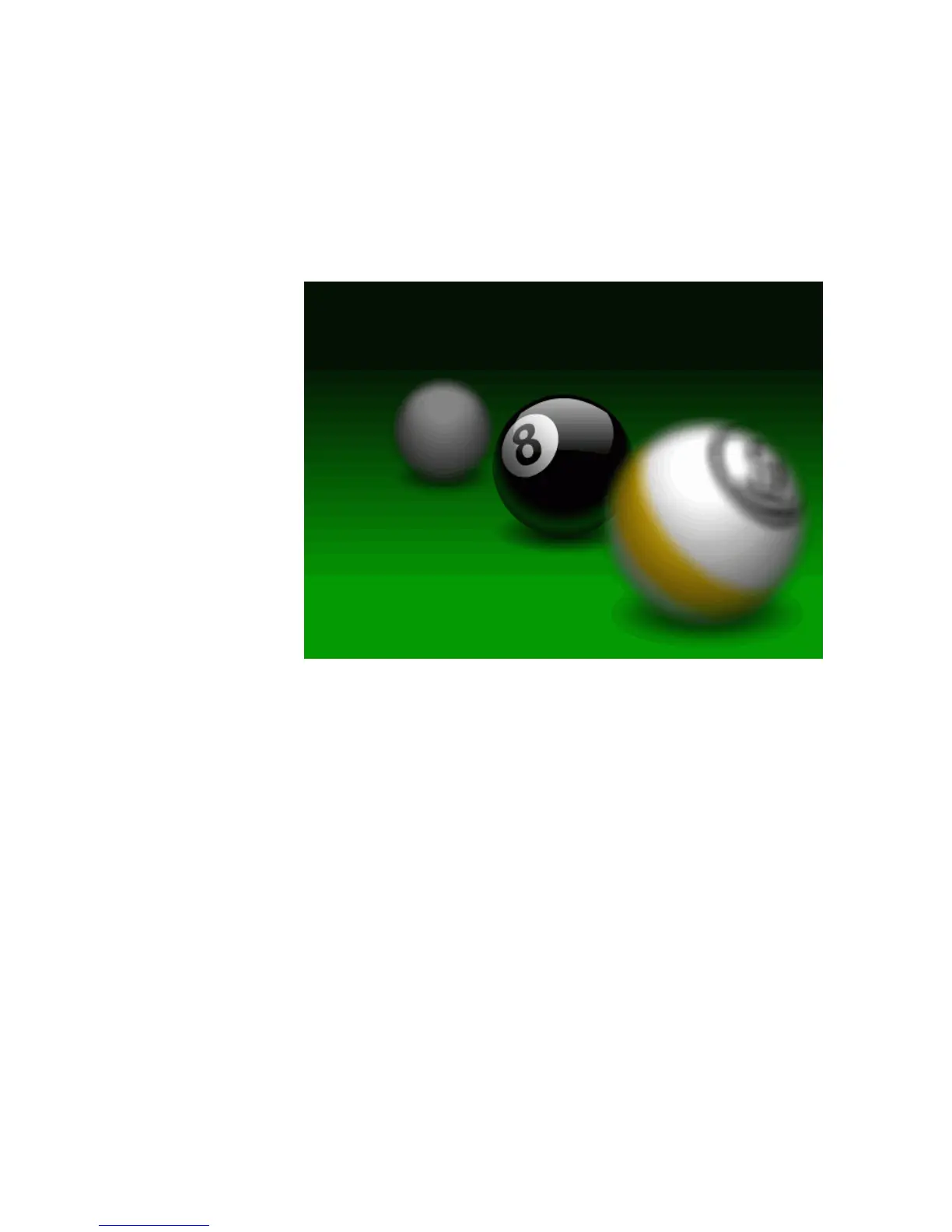
In this tutorial, you will add some graphics to the Stage and apply filters to
them to create a realistic-looking image of a pool table with a narrow depth
of field. The balls in the foreground and background will appear out of
focus, as if seen through a camera.
The completed FLA file
To see the completed FLA file (Filters&Blends_finished.fla), browse to one
of the following locations:
■ In Windows: Hard Disk\Program Files\Macromedia\Flash 8\Samples
and Tutorials\Tutorial Assets\Creating Graphics\Filters and Blends
■ On the Macintosh: Hard Disk/Applications/Macromedia Flash 8/
Samples and Tutorials/Tutorial Assets/Creating Graphics/Filters
and Blends



 To Next Page