View the screen hierarchy and screen Timelines 137
View the screen hierarchy and
screen Timelines
You add content to screens in much the same way that you add content to
the Stage, but screens are nested movie clips, relying on a hierarchy, nested
timelines, and inheritance. All screens exist in the first frame of the root
timeline, which is hidden, and all screen content loads on the first frame.
For more information about screens, see “Working with Screens (Flash
Professional Only)” in Using Flash.
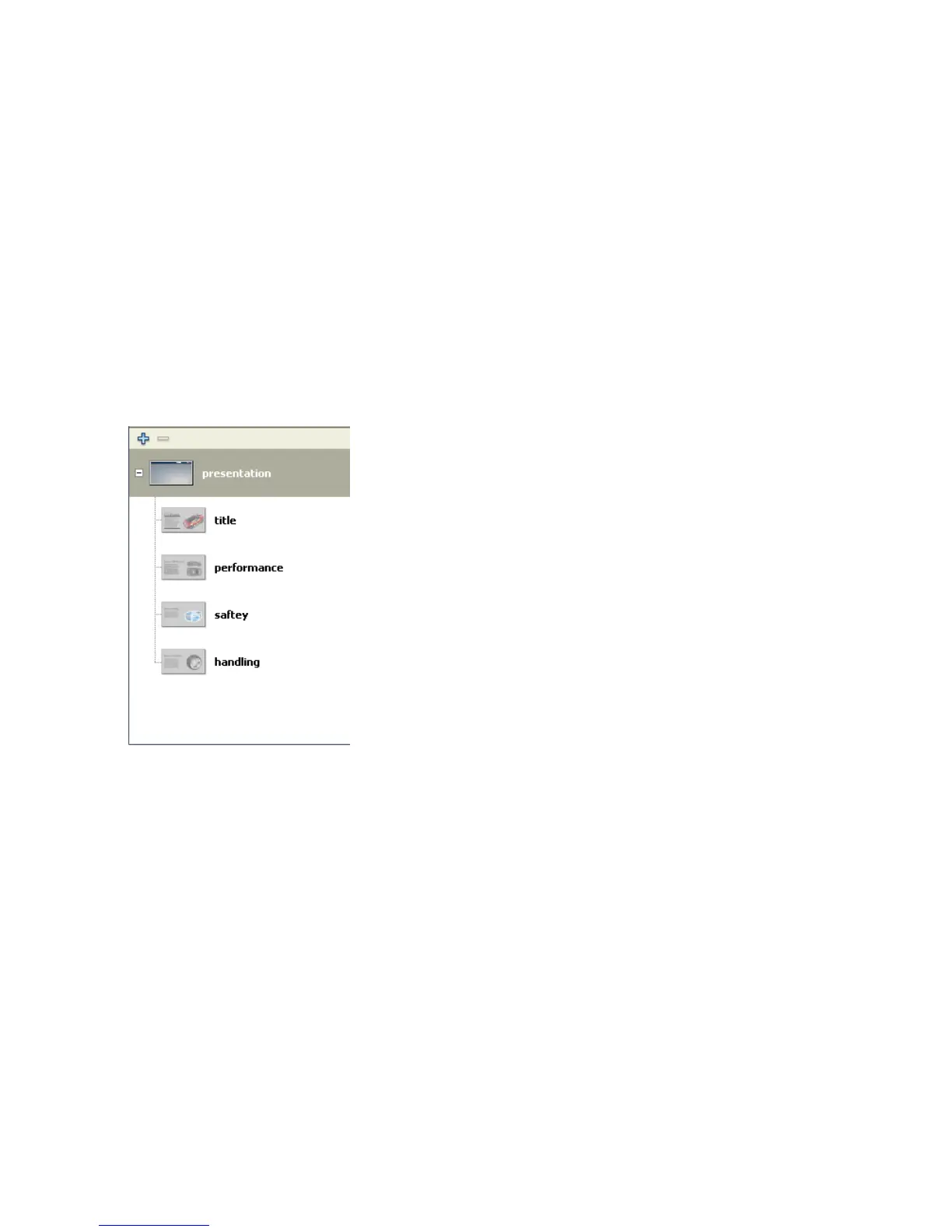
1. If the Screen Outline pane is not visible, select Window > Other Panels
> Screens.
The Screen Outline pane displays a thumbnail view of each slide in the
presentation, and the presentation hierarchy.
When you select a screen in the Screen Outline pane, the screen
appears in the Document window. When you select multiple screens,
the content of the first screen selected appears in the Document
window.



 To Next Page