Create a radial gradient 183
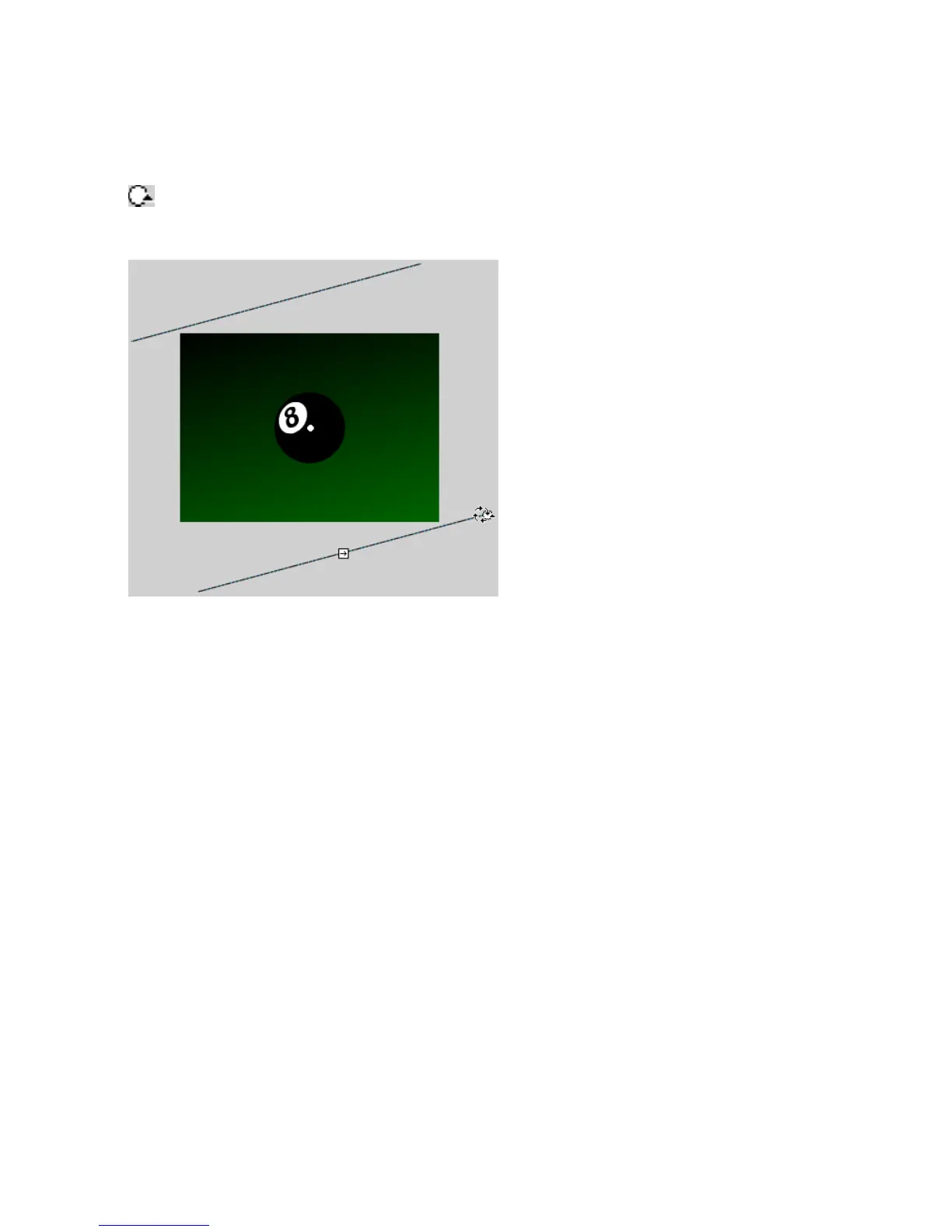
8. Drag the Gradient Rotate handle to rotate the linear gradient clockwise
as shown.
The Gradient Rotate handle
Rotating the gradient clockwise
9. Lock the Background layer in the Timeline to prevent further changes
to this layer.
10. Select File > Save to save your FLA file.
Create a radial gradient
Next, you will add a radial gradient to the black eight ball.
1. Double-click the black circle in the layer called Ball. This opens the
group containing the eight-ball shape.
2. Select the black circle shape. You will apply a gradient to this shape. Do
not select the number “8” on the eight ball.



 To Next Page