182 Creating Graphics: Applying Gradients
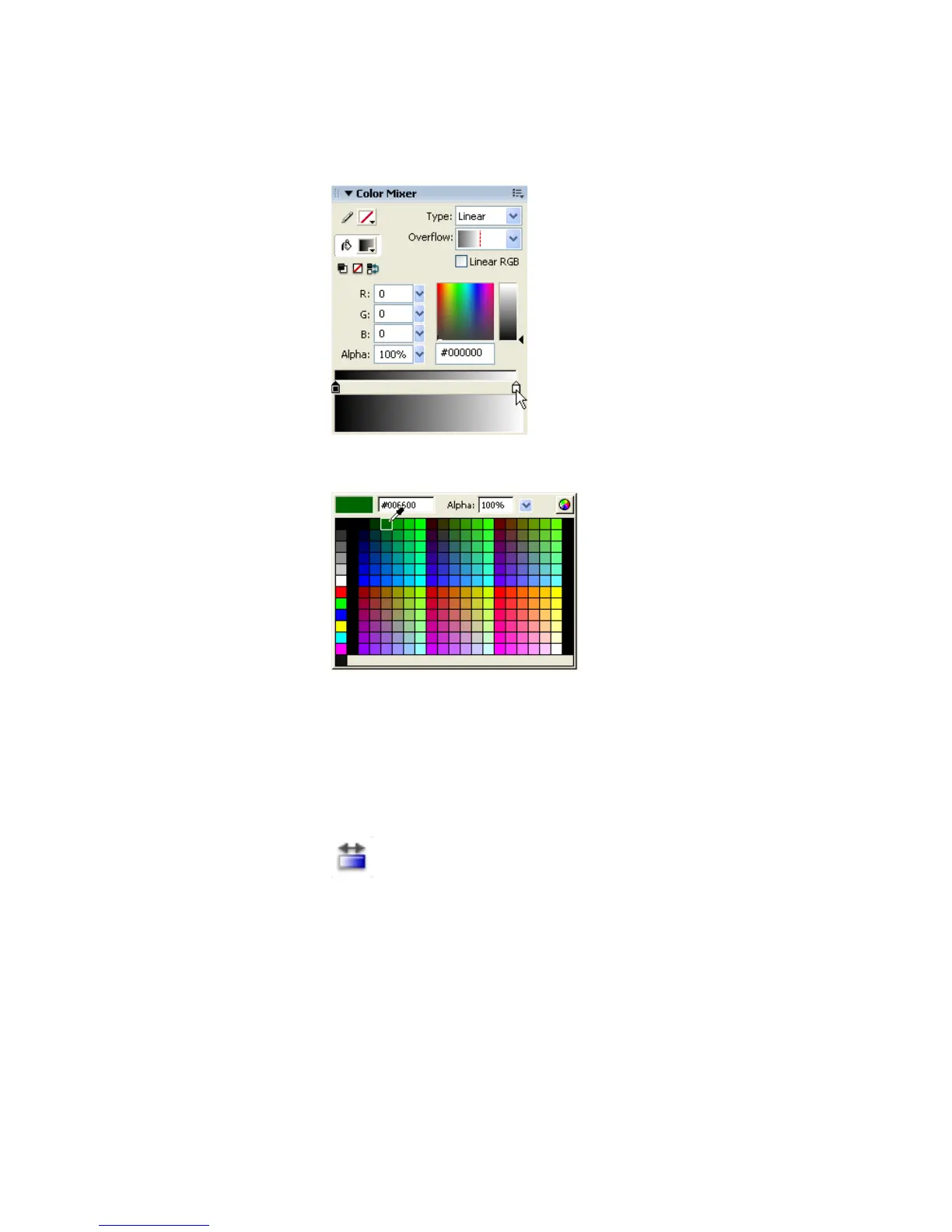
5. Double-click the right gradient color swatch and select the color green
(#006600).
Selecting the right gradient color swatch in the Color Mixer
Selecting the color green #006600 in the Color Picker
6. Double-click the left gradient color swatch and select the color black
(#000000).
7. Select the Gradient Transform tool from the Tools panel. The Gradient
Transform controls appear on the Stage around the gradient.
The Gradient Transform tool



 To Next Page