248 ActionScript: Create a Form with Conditional Logic and Send Data
Add an error message
You’ll add a message to display if the user clicks the Submit button before
entering data.
1. In the Timeline, with the Branding layer selected, click Insert Layer and
name the layer Dialog Boxes.
2. Select Frame 5 of the Dialog Boxes layer.
Right-click (Windows) or Control-click (Macintosh) the selected layer
and select Insert Blank Keyframe from the context menu.
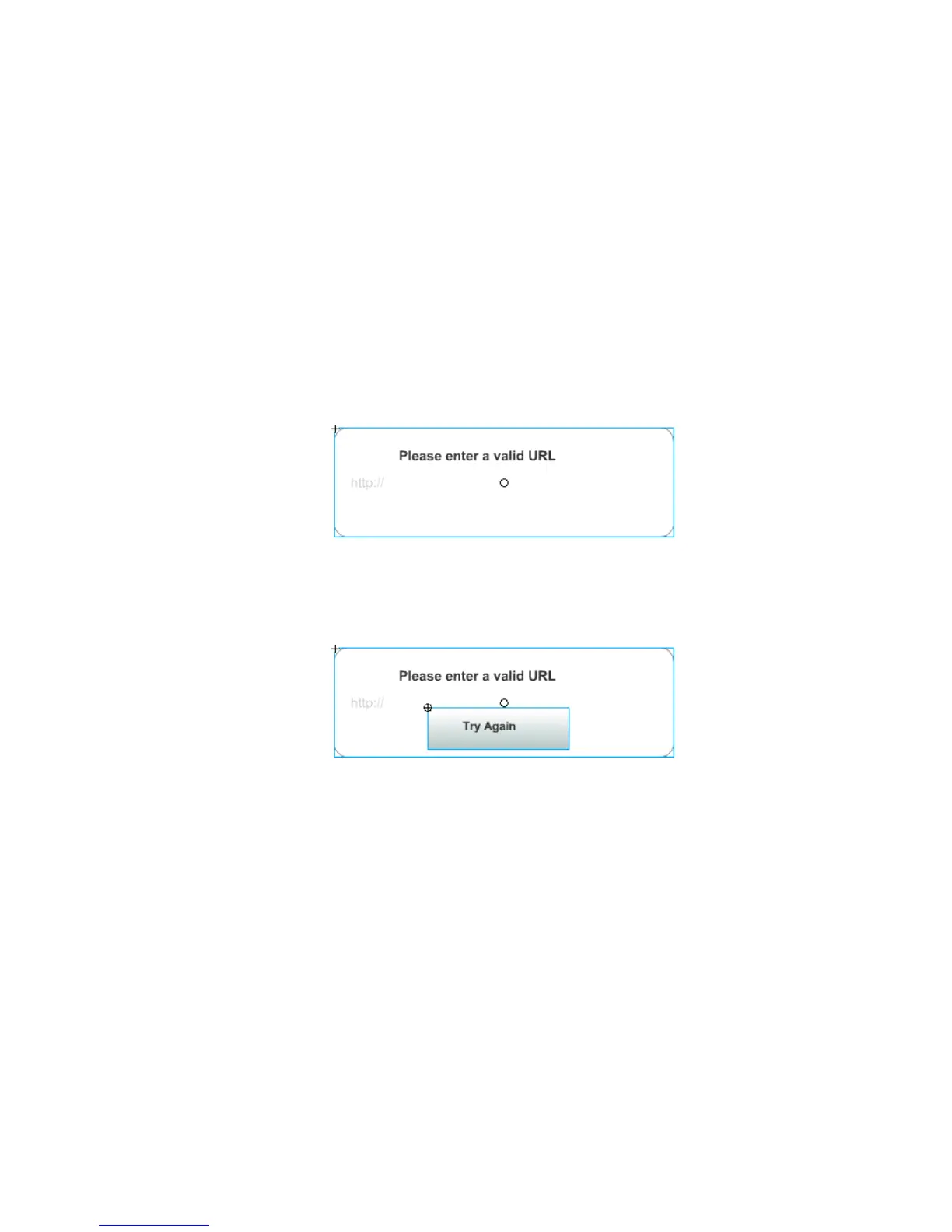
3. From the Library panel, drag the Dialog Box-error movie clip to the
center of the Stage.
4. In the Timeline, select Frame 5 of the Buttons layer.
5. Drag the Try Again Button symbol from the Library panel to the Stage,
placing the button below the error message text.
6. With the button still selected, in the Property inspector, enter
tryAgain_btn in the Instance Name text box.



 To Next Page