184 Creating Graphics: Applying Gradients
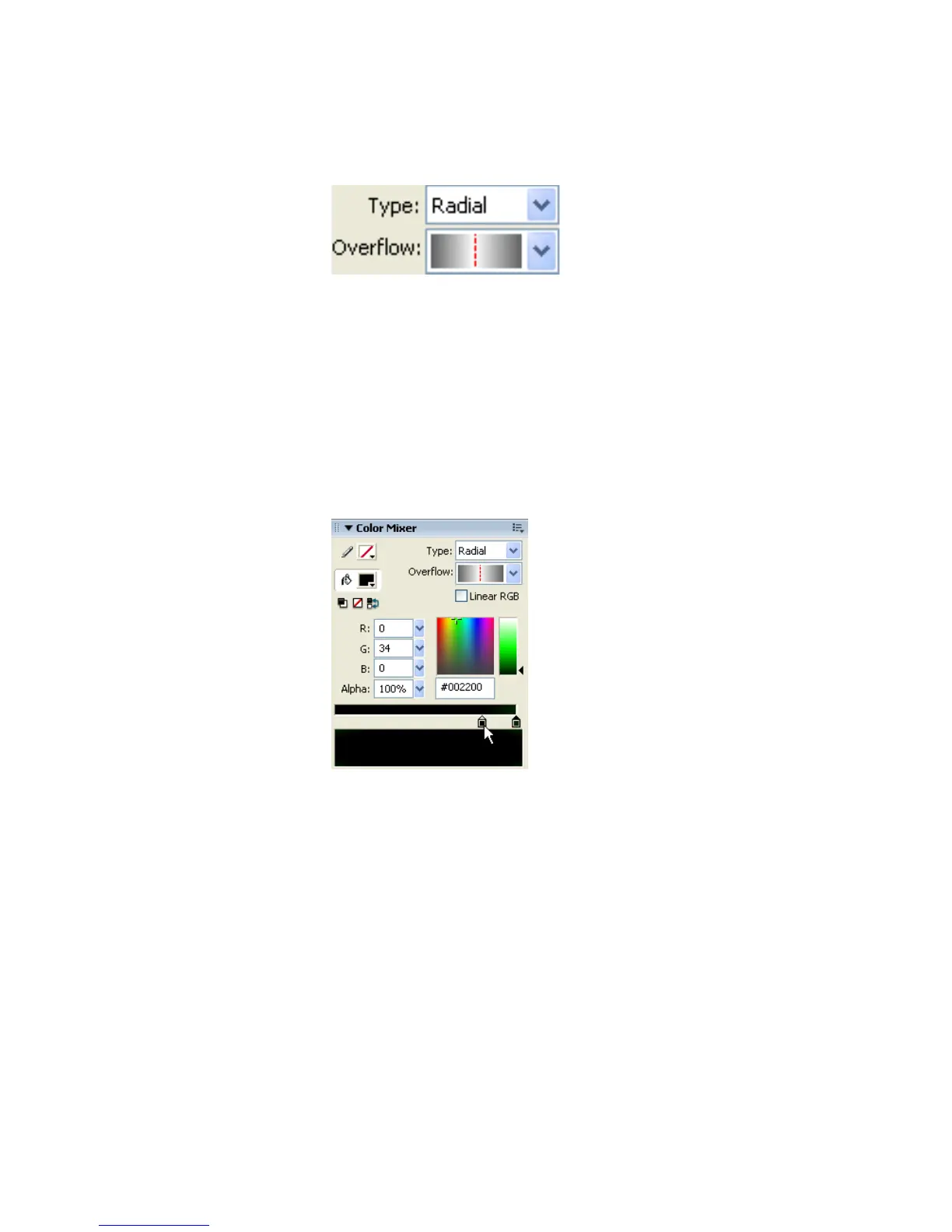
3. In the Color Mixer panel select Radial from the Type pop-up menu.
Select Mirror Overflow mode from the Overflow pop-up menu.
The correct Radial Type and Mirror Overflow settings
4. Double-click the left gradient color swatch and select the color black
(#000000).
5. Double-click the right gradient color swatch and type 002200 into the
color text box. Press Enter.
6. Drag the left gradient color swatch to the right about three-fourths of
the way as shown in the following illustration. This makes the green part
of the gradient appear only in the outer 25% of the ball shape.
Dragging a gradient color swatch
7. Select the Zoom tool from the Tools panel and click the circle shape to
magnify it.
8. Select the Gradient Transform tool in the Tools panel.



 To Next Page