166 Creating Graphics: Making Animations with Easing (Flash Professional only)
Add the necessary frames to the Timeline
To add the necessary frames to the Timeline:
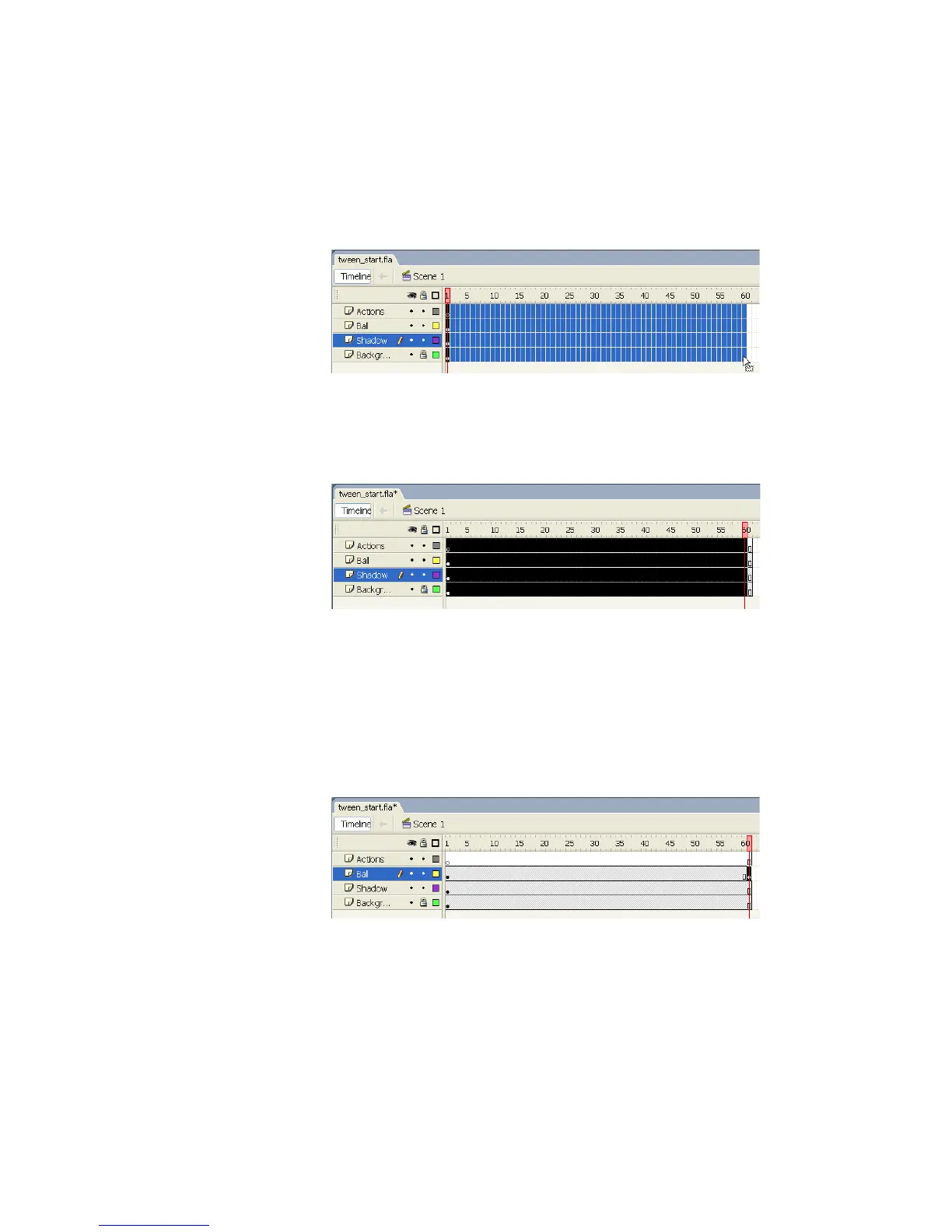
1. In the Timeline, drag the pointer to select all the frames from 1 to 60 in
all four layers.
Selecting multiple frames in the Timeline
2. Select Insert > Timeline > Frame. You should see the frames added to
all four layers in the Timeline.
The frames added to the Timeline
Create a motion tween in the new frames
To create a motion tween in the new frames:
1. Select Frame 61 of the layer named Ball.
2. Select Insert > Timeline > Keyframe.
The keyframe added in Frame 61 of the Timeline



 To Next Page