172 Creating Graphics: Making Animations with Easing (Flash Professional only)
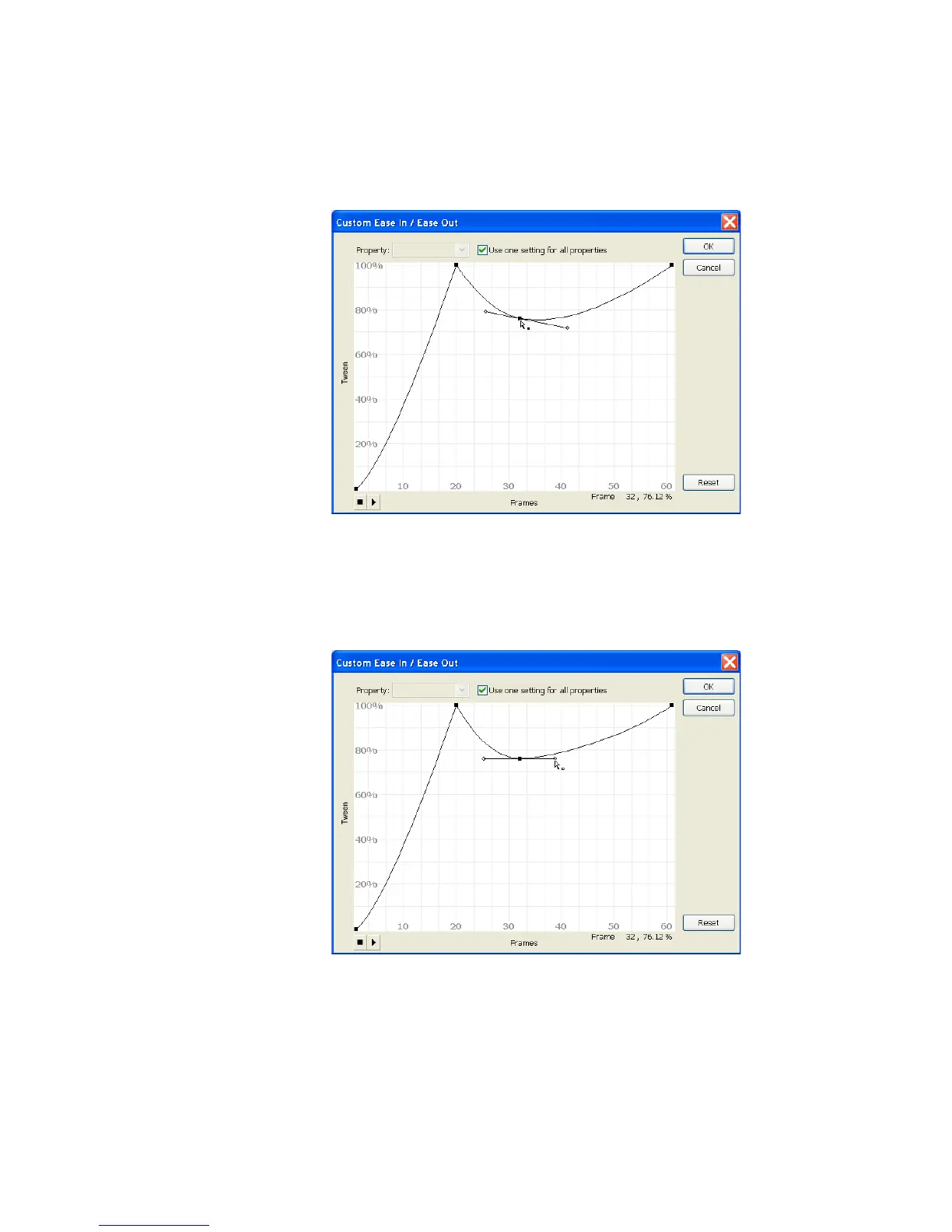
6. Control-click (Windows) or Command-click (Macintosh) the flat part
of the curve at the top of the graph near Frame 32 and drag the new
point downward to approximately 76% along the vertical axis.
Dragging the point at Frame 32
7. Drag the vertex handles so that the line connecting them to the control
point is horizontal and each handle is the same distance from the
control point.
Dragging the vertex handles
8. Control-click (Windows) or Command-click (Macintosh) the curve at
about Frame 44 and drag it up to the 100% line.



 To Next Page