180 Creating Graphics: Applying Gradients
Review the completed FLA file
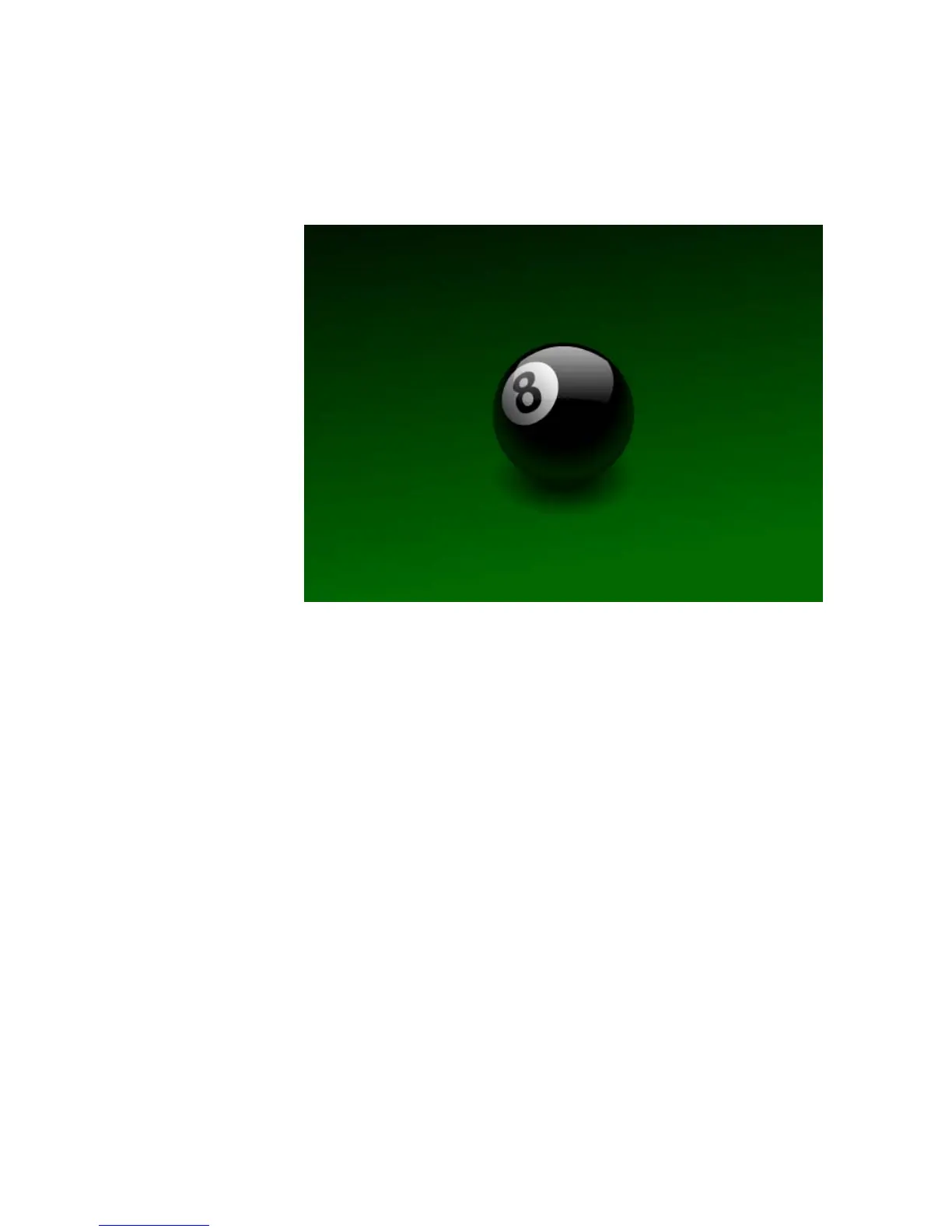
In the completed FLA file, you will see the combined effects of several
gradients. The illustration looks like this:
There are five gradients in the illustration:
■ A gradient from black to green on the background.
■ A gradient from black to green to black on the bottom of the eight ball.
■ Another from white to black in the highlight on the top of the
eight ball.
■ A subtle gradient on the white circle surrounding the number “8.”
■ A radial gradient in the shadow beneath the eight ball.



 To Next Page