190 Creating Graphics: Applying Gradients
14. Drag the Gradient Scale control downward until it touches the top of
the highlight shape.
The Gradient Scale control
Dragging the Gradient Scale control downward to touch the highlight
shape
15. Select the Selection tool from the Tools panel.
16. Double-click outside the Stage twice to deselect the highlight group.
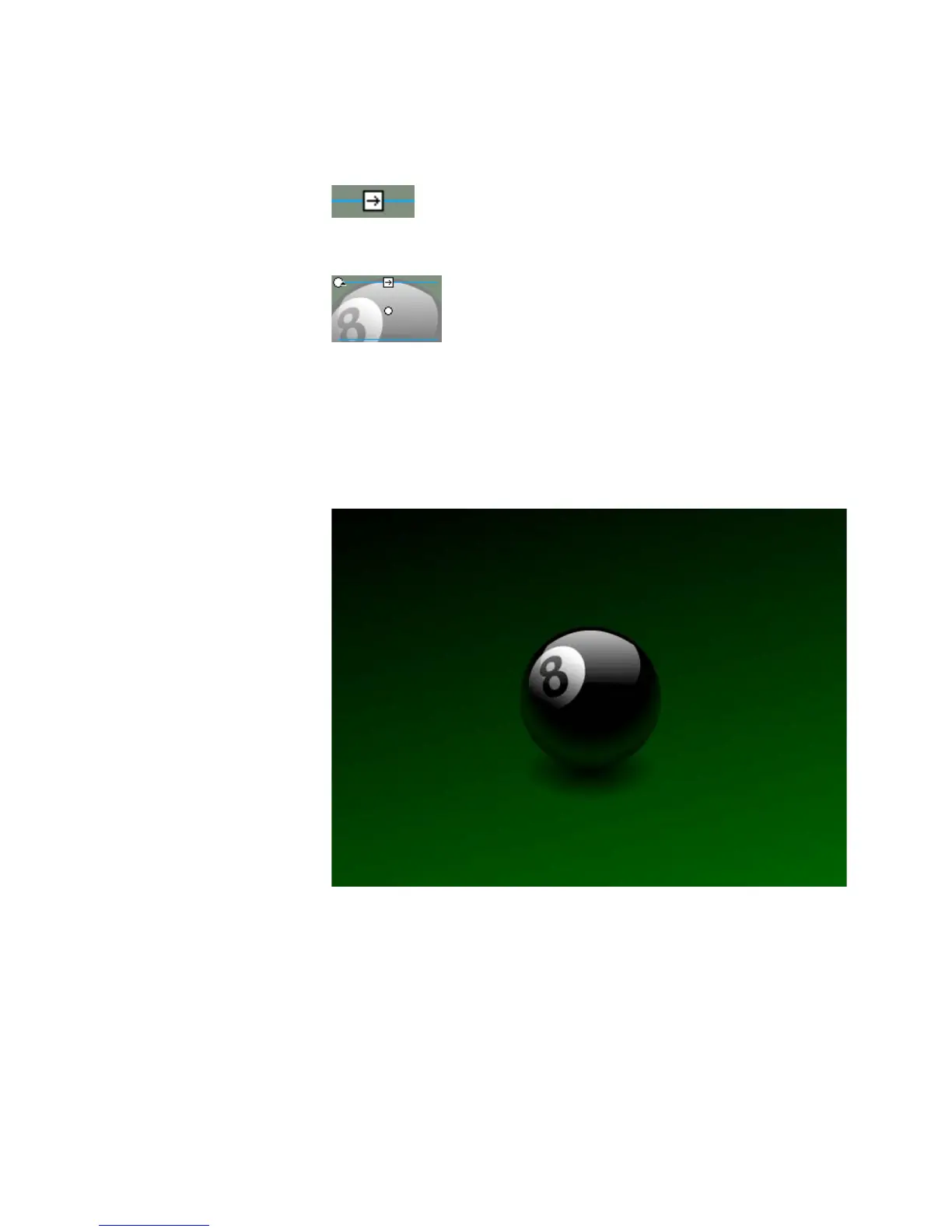
The finished Flash illustration looks like this:
17. Select File > Save to save your FLA file.



 To Next Page