214 ActionScript: Use Script Assist mode
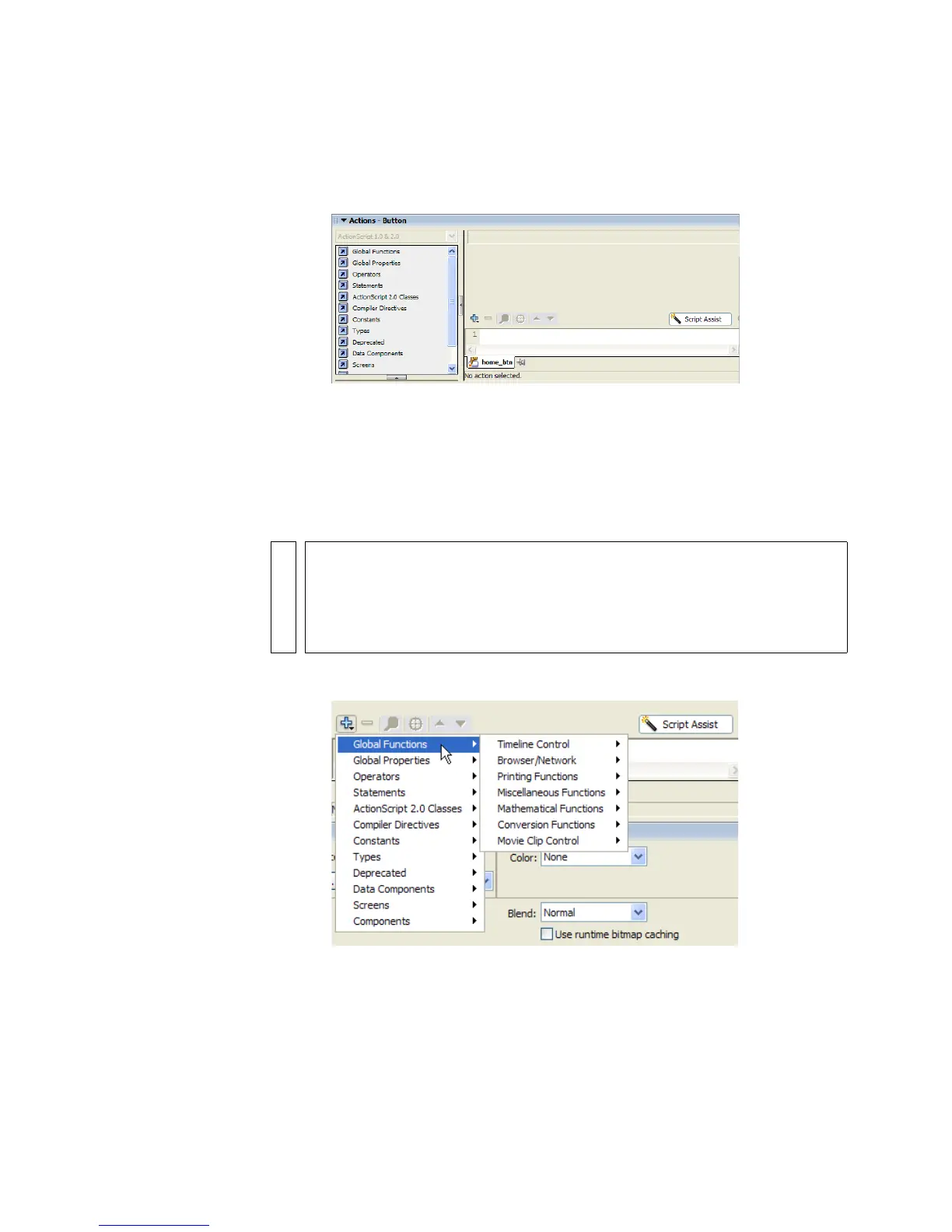
4. In the Actions panel, you’ll see the Script Assist button above the
ActionScript editor.
Click Script Assist to display Script Assist mode.
With no functions selected, the Script Assist pane is blank.
Initially, the Script Assist portion of the Actions panel is blank. Script
Assist mode prompts you to select options and set parameters for the
functions that you add to the selected button. The parameters are
displayed when you add an ActionScript function.
5. To add a function to the button, click Add on the toolbar.
Clicking the Add button displays all of the predefined ActionScript
functions.
NOTE
You may notice that when Script Assist mode is enabled, you cannot
directly edit code in the ActionScript editor, because it is read-only. All
interaction with the code in the editor is through Script Assist mode with
one important exception: you can highlight functions in the ActionScript
editor and delete them.



 To Next Page