Add frame scripts to the Timeline by using Script Assist mode 219
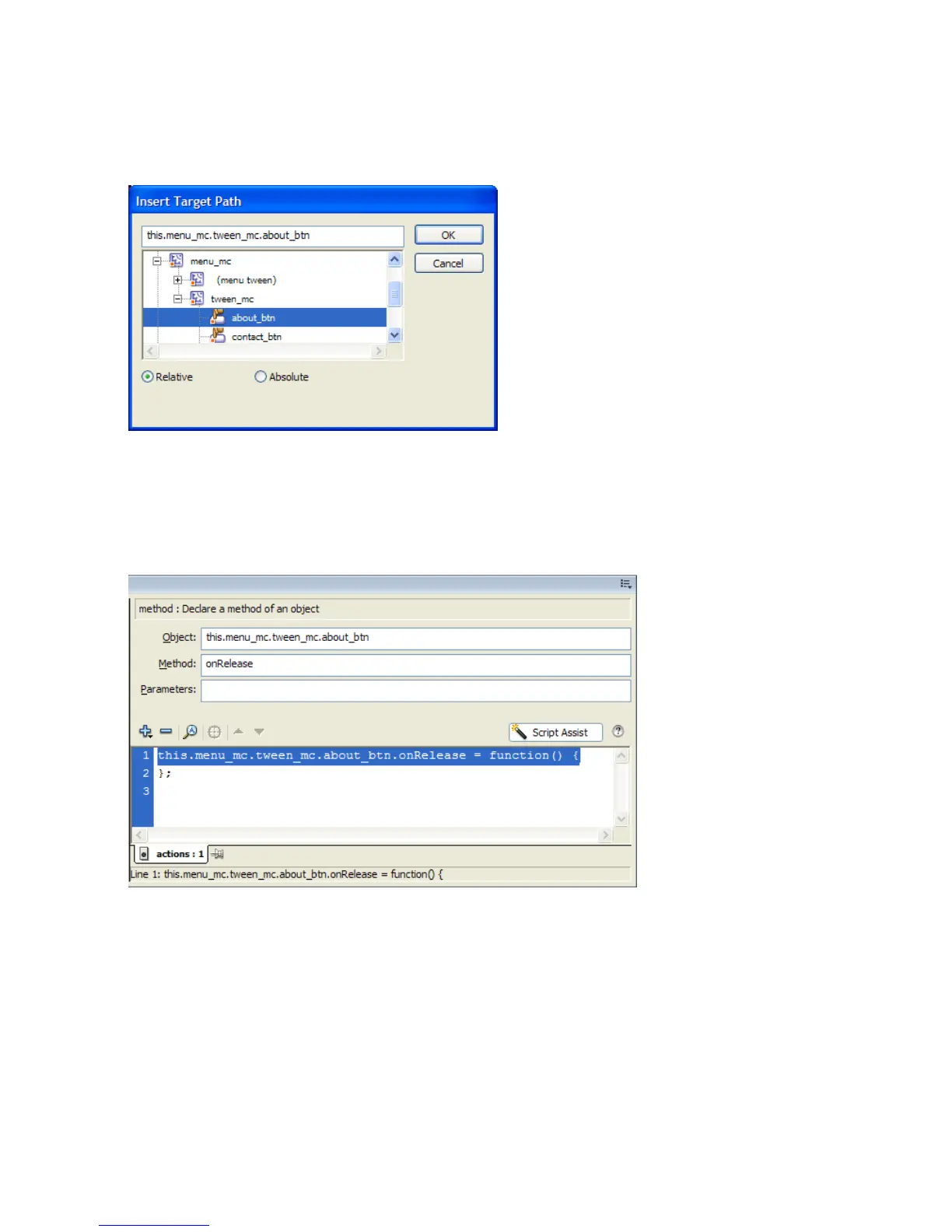
5. Click the Insert a Target Path button to display the Insert Target Path
dialog box.
Selecting the target object from the Insert Target Path dialog box
6. Select the About button (about_btn) from the tween_mc movie clip.
7. Make sure that the Relative Path option is selected and then click OK.
The target object (the Menu tween) is added.
The path to the target object is added to the event handler.



 To Next Page