Create a user interface and bind the components with the web service 275
6. Drag another Label component above the tip_ta TextArea
component. In the Property inspector, give it the Instance name tip_lbl
and in the text field type Tips.
Now add a binding for the WebService connector component from the
Macromedia Tip web service to ComboBox component that allows the
user to choose a product and return a tip about the product.
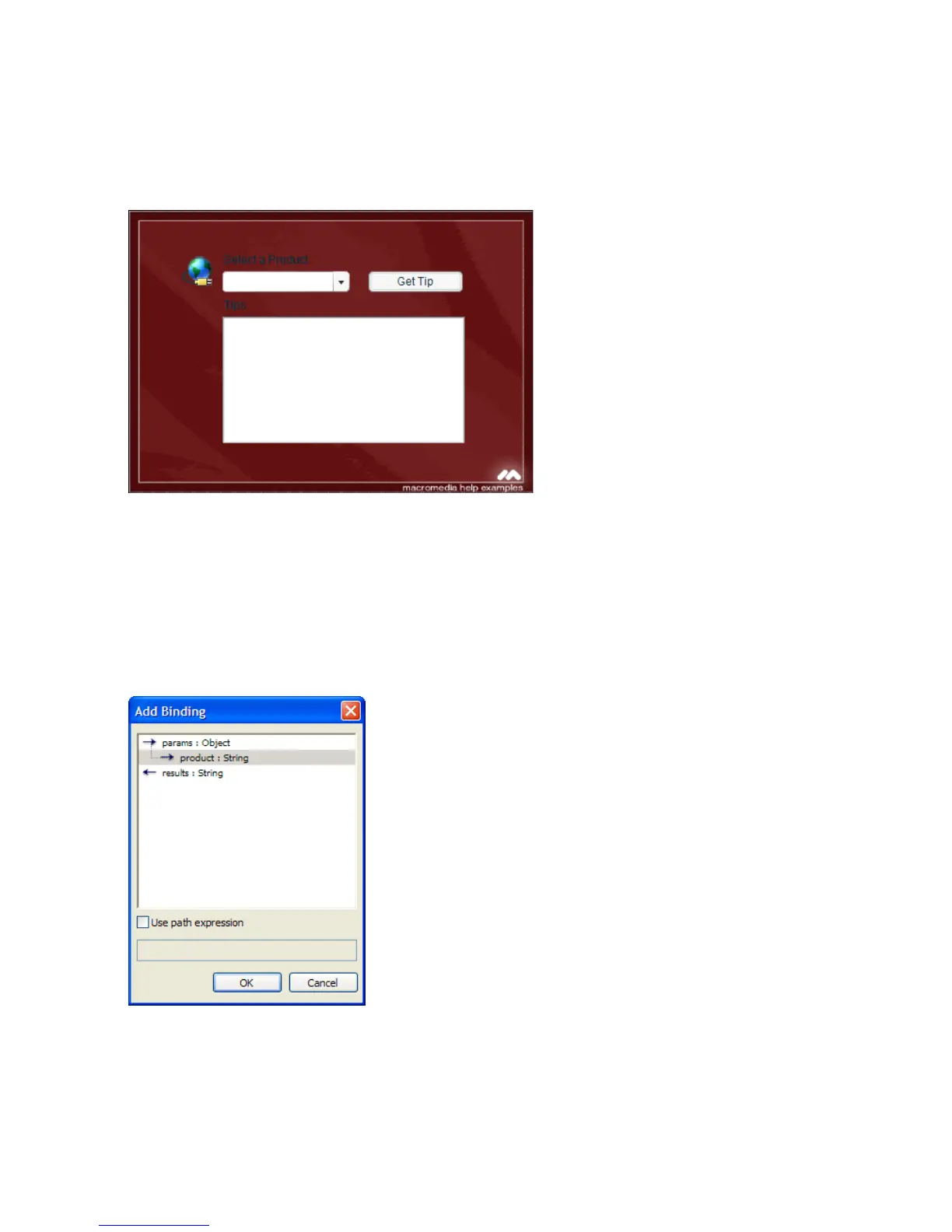
7. Select the WebServiceConnector component on the Stage. Open the
Component inspector and click the Bindings tab. Click Add Binding
(+). In the Add Binding dialog box, select
product:String (under
params:Object) and click OK.



 To Next Page