16
www.rbcbioscience.com
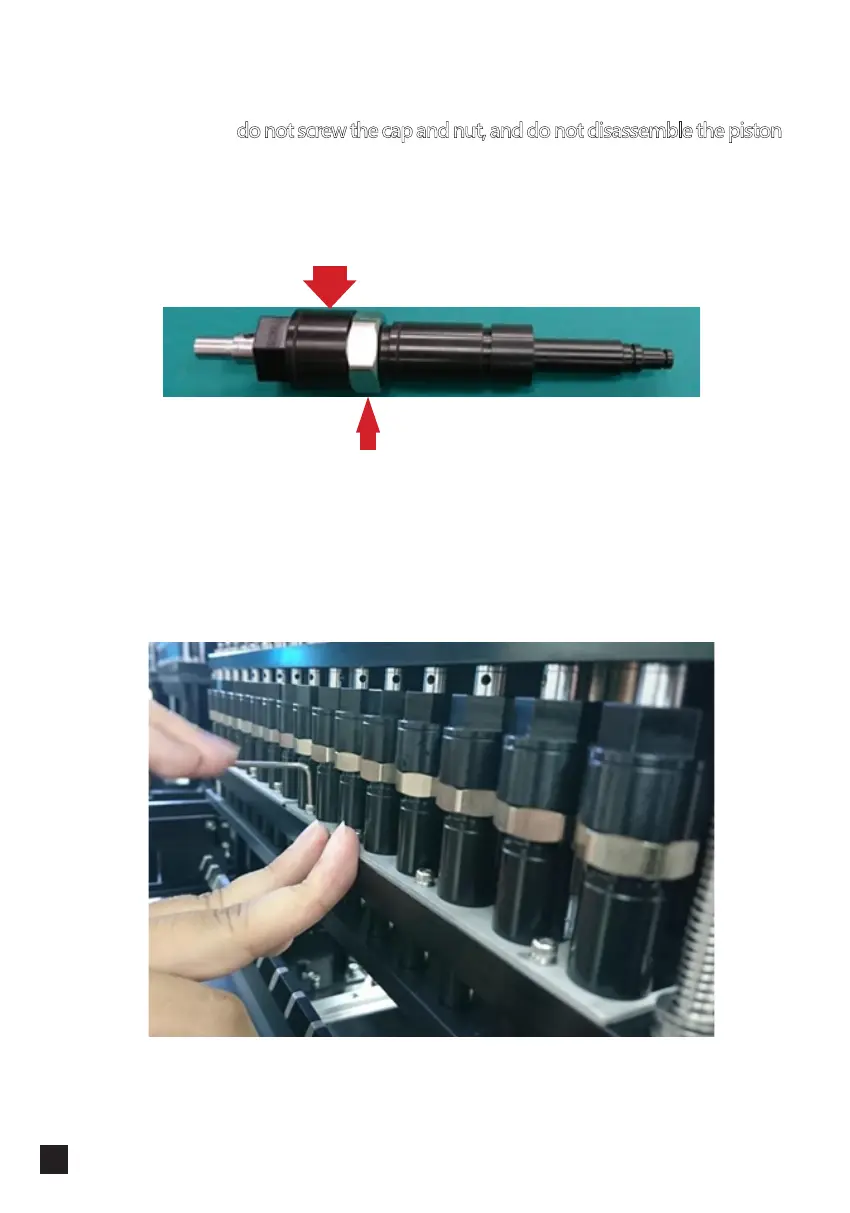
5. Take the piston out, you can pull out the metal rod and clean the inner side with a
cotton swab, but do not screw the cap and nut, and do not disassemble the piston,
or the tensile strength might be altered and lose accuracy.
6. Follow the reversed steps to install pistons, push the metal sheet inward gently and
fasten the screws, then do all axis initialization after the installation is finished.
Cap
Nut



 To Next Page