30
www.rbcbioscience.com
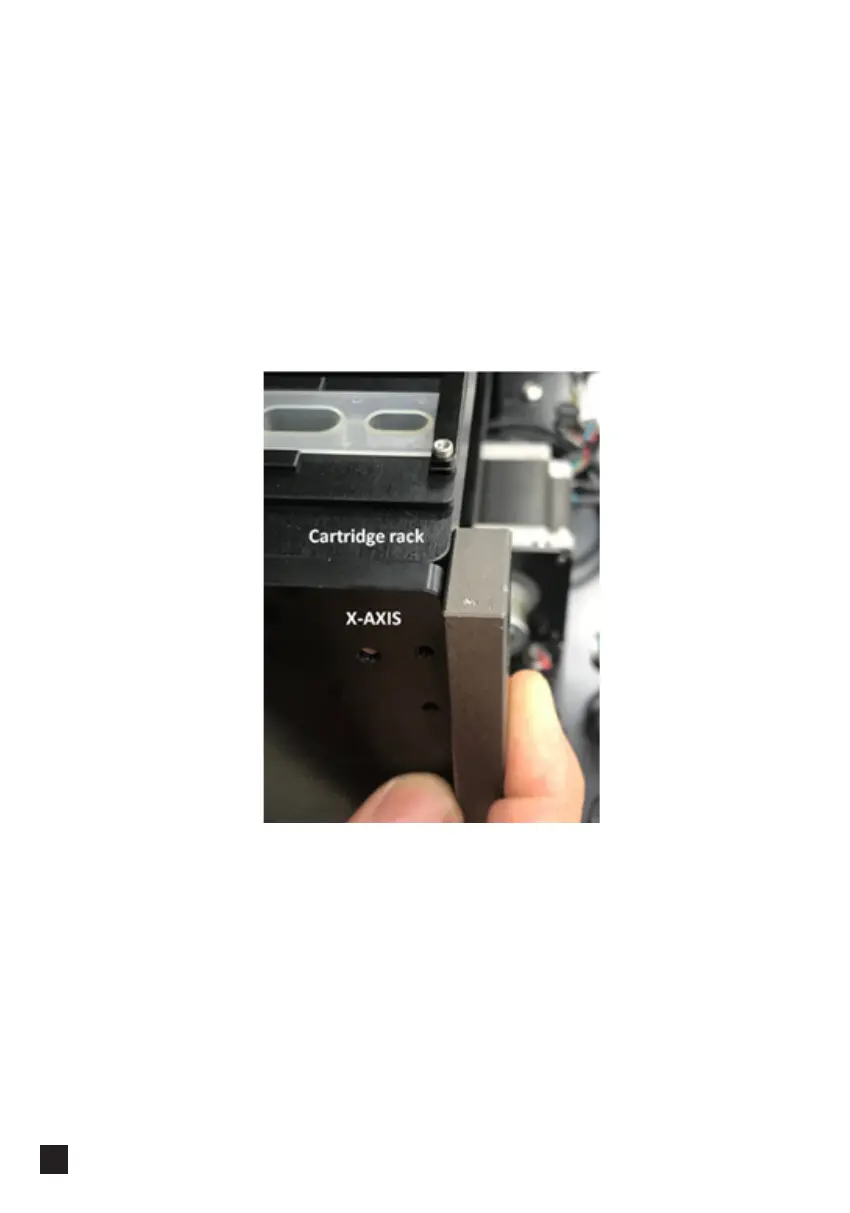
1. If the cartridge rack is not installed properly it will protrude and some parts of the
door will touch it.
To install cartridge rack properly put it inside by sliding all the way into the machine.
There are magnets at the back of the axis; they help to fix the rack in the right
position. You will hear a click sound when the rack is in the right position.
2. If the cartridge rack is still not positioned properly, check its position by checking a
gap at the back:
Door
━ Door Touching the Cartridge Rack



 To Next Page