68
www.rbcbioscience.com
You can find the S/N#
→ On the silver label beside the power button.
→ Page "System Status".
→ System teaching data sheet.
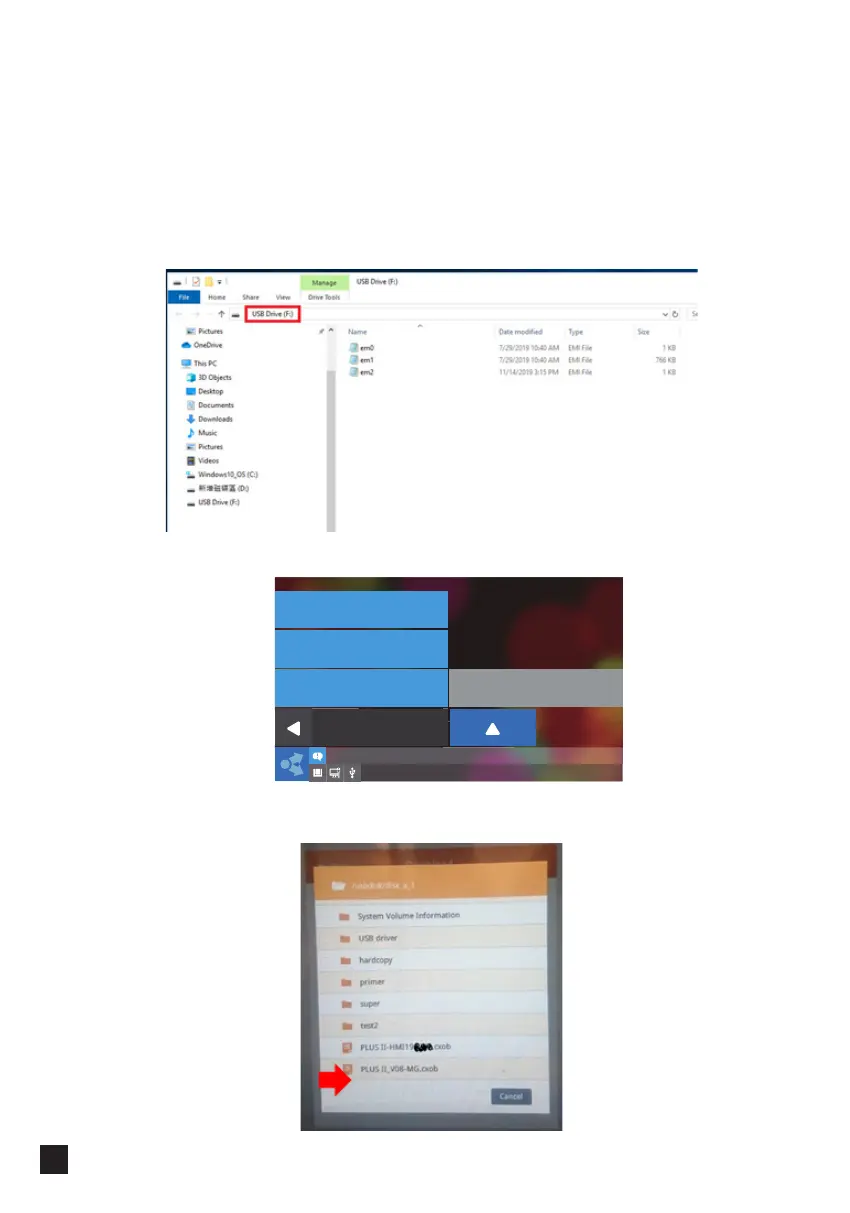
2. Copy the 3 files (em0, 1, 2) to the root directory of a FAT32 formatted USB Flash
Drive. USB Flash Drive available capacities <= 32GB.
3. Tap "Maintenance" → next page → insert USB.
4. Tap "Close" when you see this pop-up
Select
Program Update
Heater Test
Back
07/13/2020 09:25:32
Advanced
Alarm History



 To Next Page