Basic Operations
7
Turning the Magellan RoadMate On
Press the Power button.
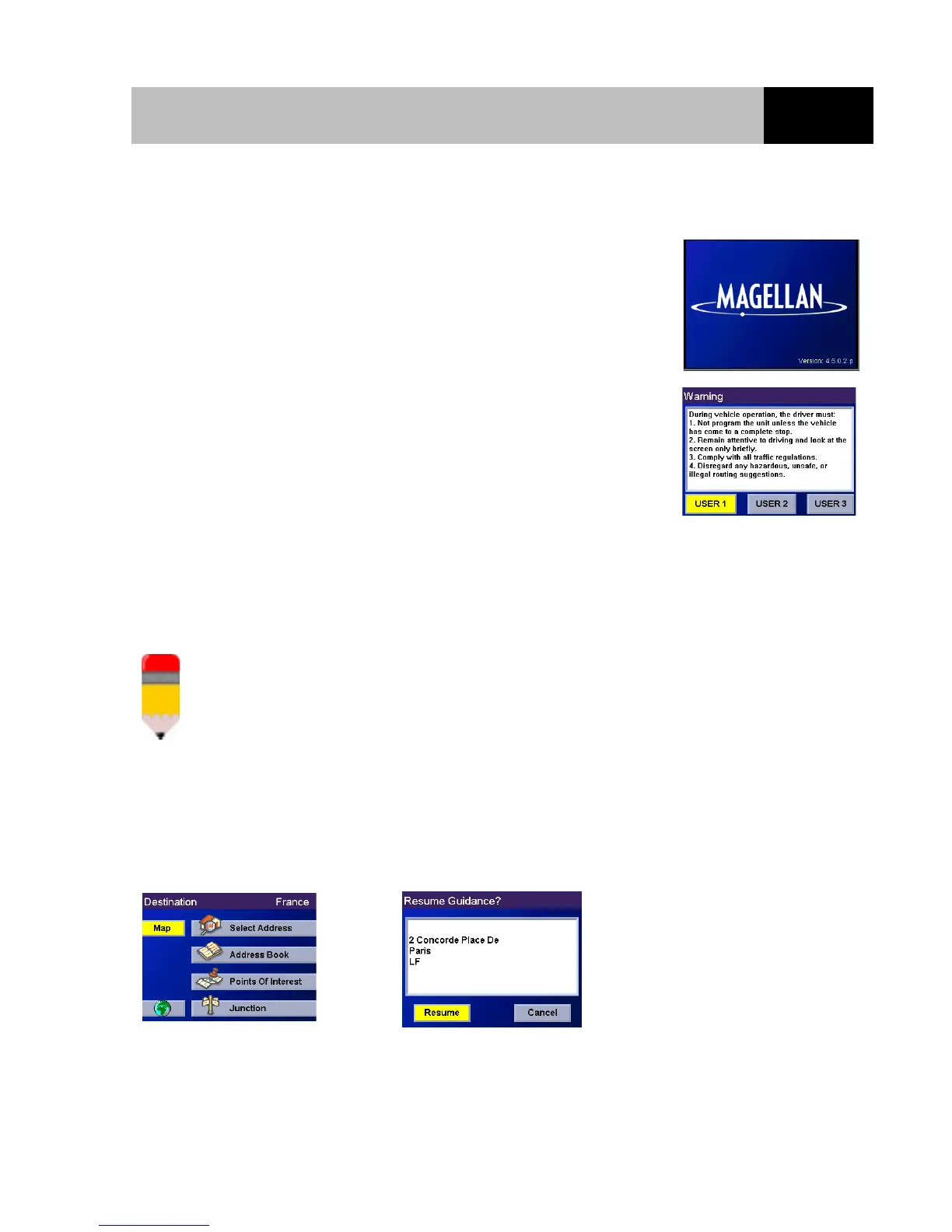
If power is properly connected, a logo screen will be displayed
followed by the Warning screen.
Select the User profile to be applied and press Enter.
N o t e p a d
The Magellan RoadMate can be personalised for three different users. The Magellan RoadMate
will use the saved profile settings for the user who you select here. Please refer to the User
Options section of this manual for information about how to change the name of the 3 different
user profiles that are available in your Magellan RoadMate.
Either the Destination screen or the Resume Guidance screen will be automatically displayed.
The Resume Guidance screen is
displayed if you were navigating
towards a destination when the
Magellan RoadMate was turned off.
Select Destination Resume Guidance













 To Next Page