Selecting a Destination
21
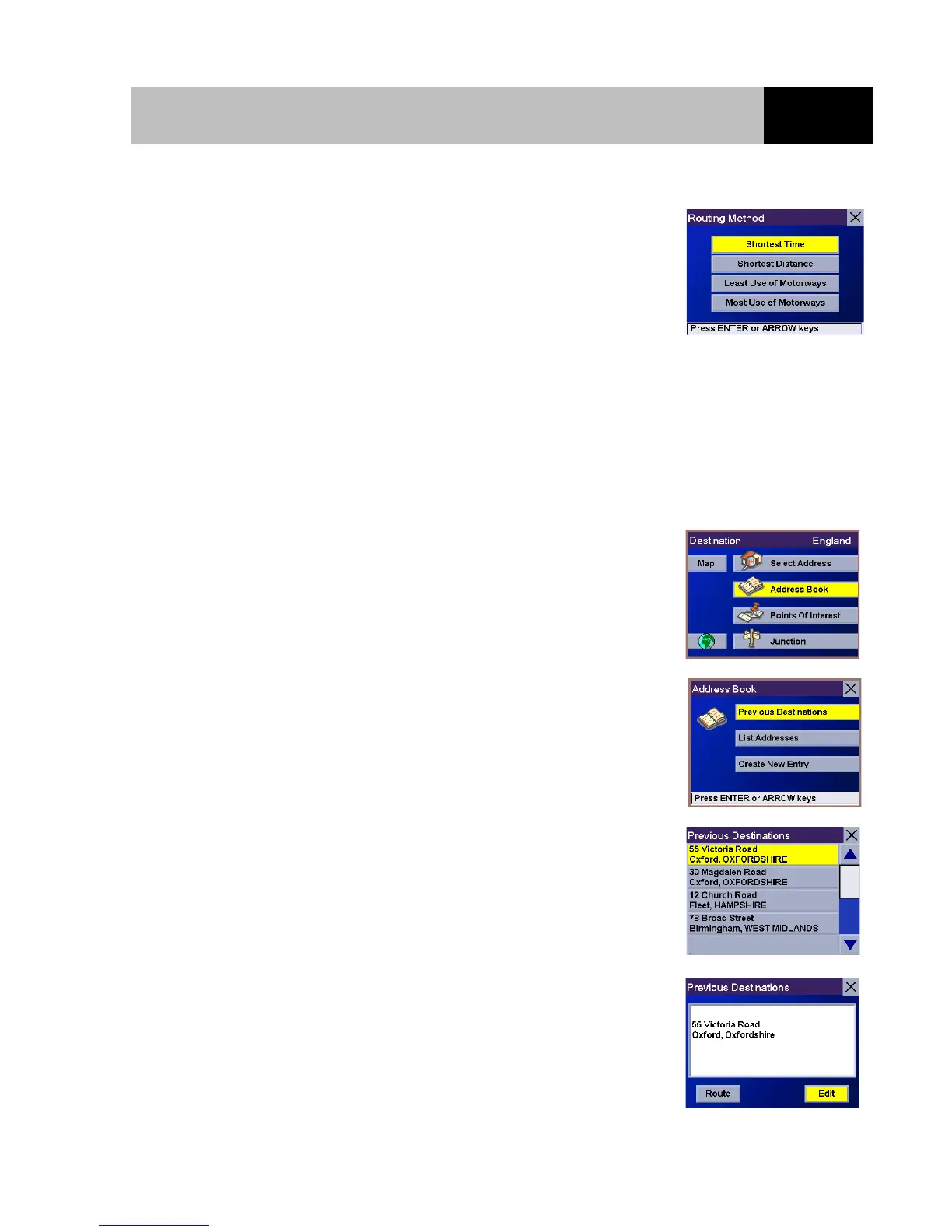
Select the desired Routing Method and press Enter.
The Magellan RoadMate will calculate the route. When the calculations are complete, the Guidance
screen will be displayed.
Selecting a Destination from a Previous Destination and Saving it to the Address Book
From the Destination screen, select "Address Book" and press
Enter.
Select "Previous Destinations" and press Enter.
Select from the list of previous destinations and press Enter.
To save this destination to the Address Book, select the "Edit"
button and press Enter.













 To Next Page