Magellan RoadMate
2
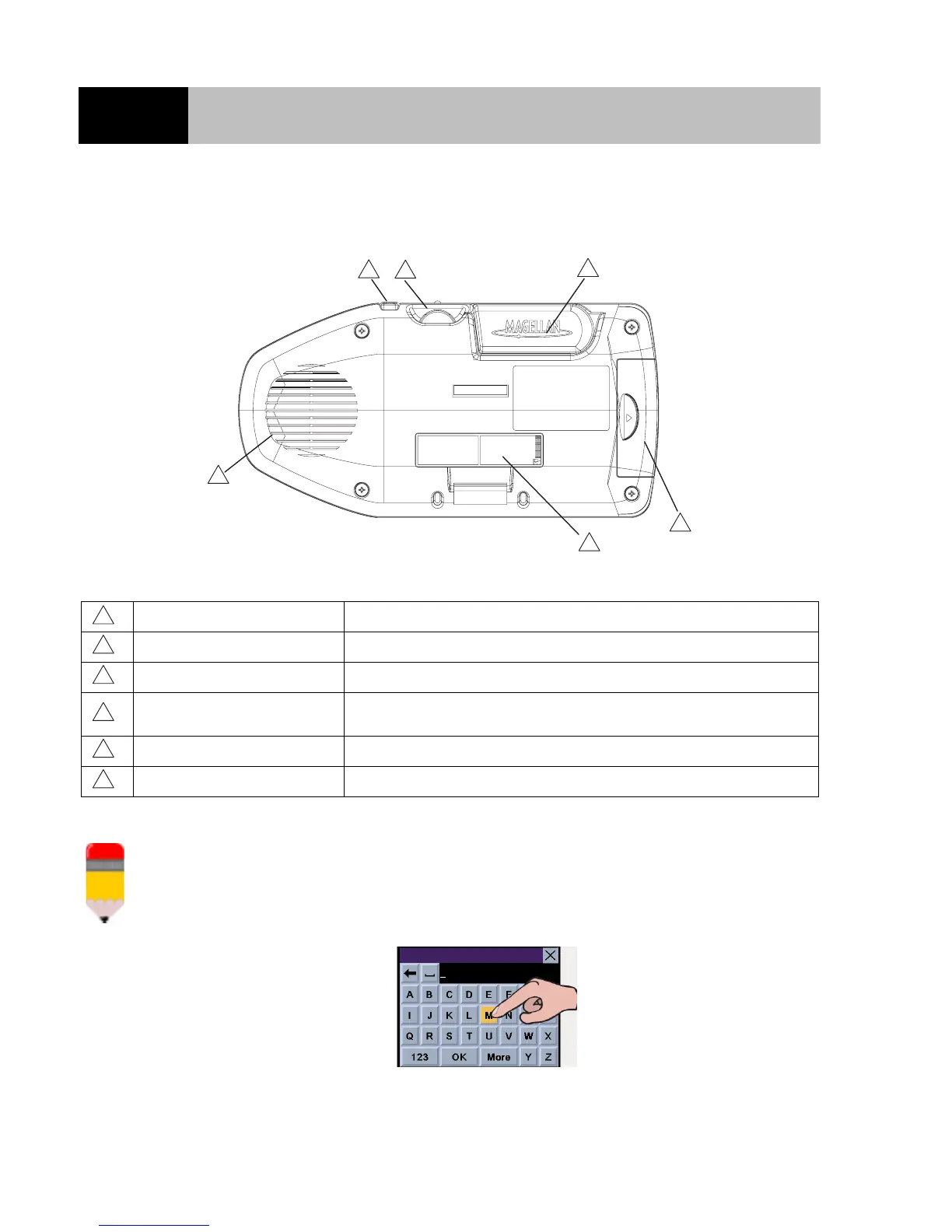
REAR VIEW
N o t e p a d
The Magellan RoadMate has a touchscreen display and keypad giving you two easy ways to
input information into your Magellan RoadMate. The examples in this manual describe how to
use the 8-way arrow keypad and the Enter button to input and accept changes.
If you prefer to use the touchscreen, touch the key directly on the screen with your finger. Please
use the method that is easiest for you.
Speaker Used for spoken directions.
Repeat Button Press to repeat the last spoken prompt.
Volume Control Adjust to set the volume of the speaker.
Detachable Antenna
Rotate upwards when in use to receive signals from the GPS
satellite network.
Compact Flash Storage compartment for the CompactFlash memory card.
Power/Data Connector Connection for power and data for the Magellan RoadMate.
1
2
3
4
5
6
1
2
3
4
5
6













 To Next Page