User Options
55
Setting the Display Options
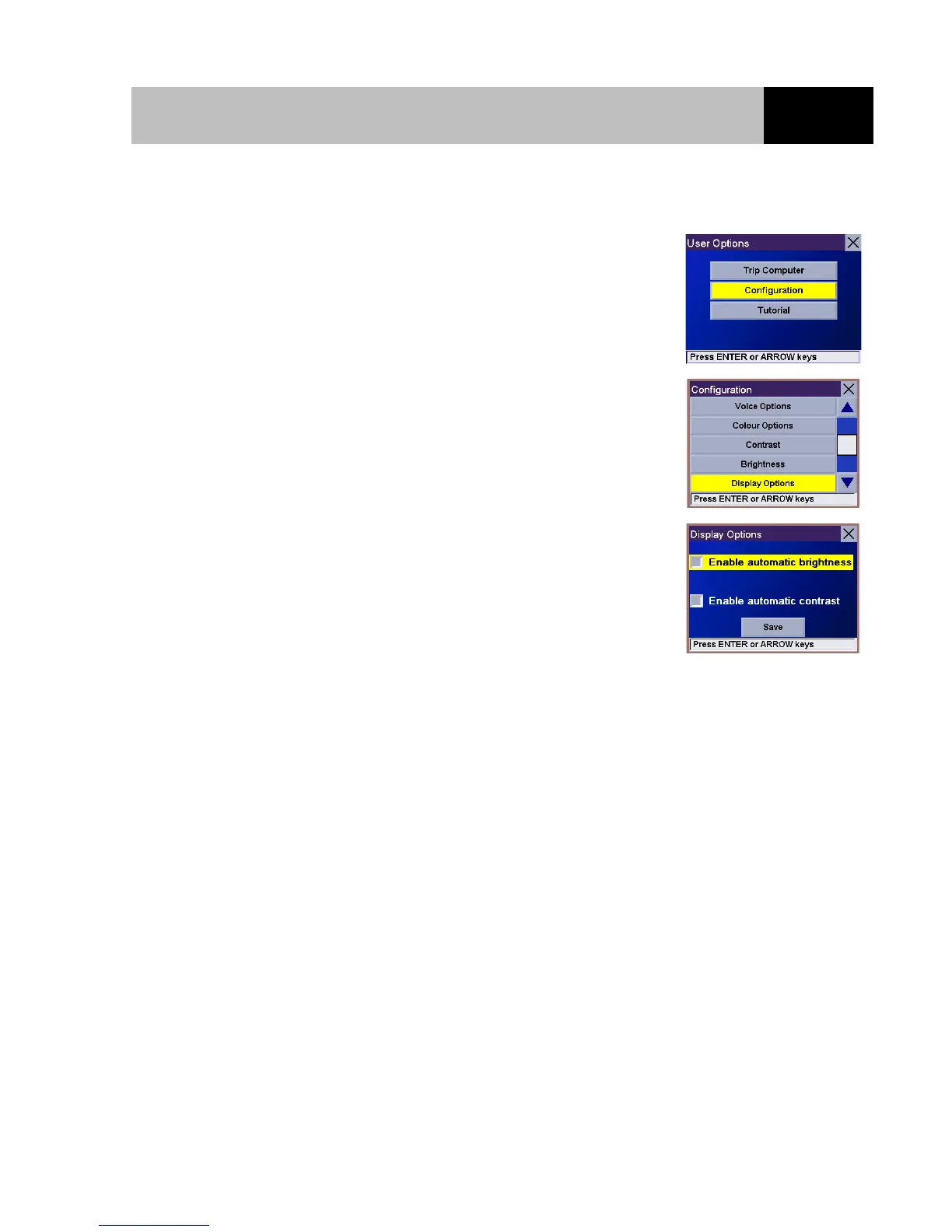
From any screen, press the Option button. Select "Configuration"
and press Enter.
Use the 8-way arrow keypad to select "Display Options" and press
Enter.
Use the 8-way arrow keypad to select the option to be changed and
press Enter. When the options are correctly set, select the "Save"
button and press Enter.
Enable automatic brightness When ticked it instructs the Magellan RoadMate to use its built-in
sensor to automatically adjust the brightness of the display.
Enable automatic contrast When ticked it instructs the Magellan RoadMate to automatically
adjust the contrast of the display.













 To Next Page