Selecting a Destination
14
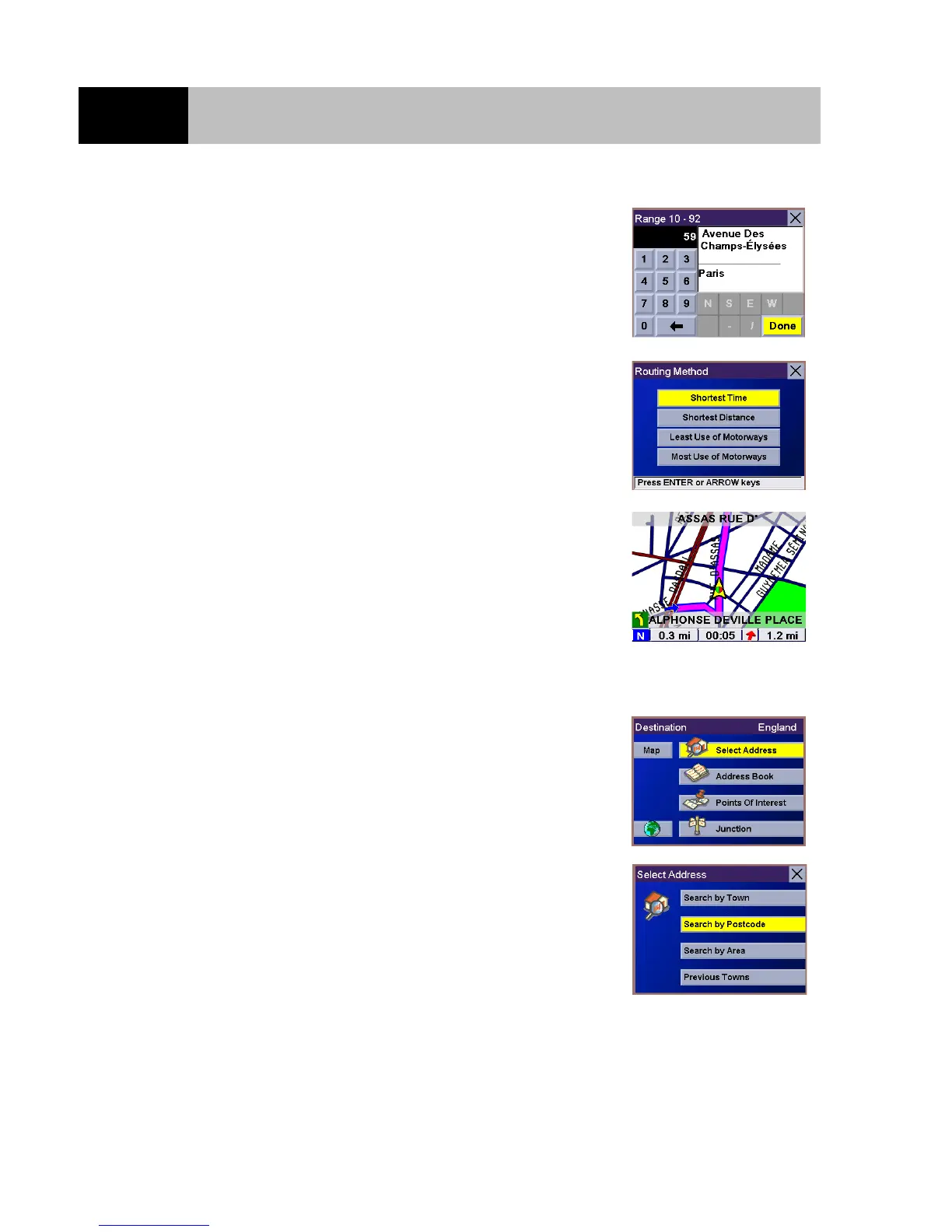
Use the 8-way arrow keypad to enter the street address. The
acceptable range of numbers is displayed at the top of the screen.
Once an acceptable street address has been entered, the "Done"
button will become active. Select "Done" and press Enter when
you are ready to continue.
Select the desired Routing Method and press Enter.
The Magellan RoadMate will calculate the route. When the
calculations are complete, the Guidance screen will be displayed.
Select a Destination - Search by Postcode
From the Destination screen check that the correct country is
selected (if not, select the Earth icon and choose it from the list)
then highlight the "Select Address" option and press Enter.
Select "Search By Postcode" and press Enter.













 To Next Page