Displaying Your Location
42
Displaying Your Location
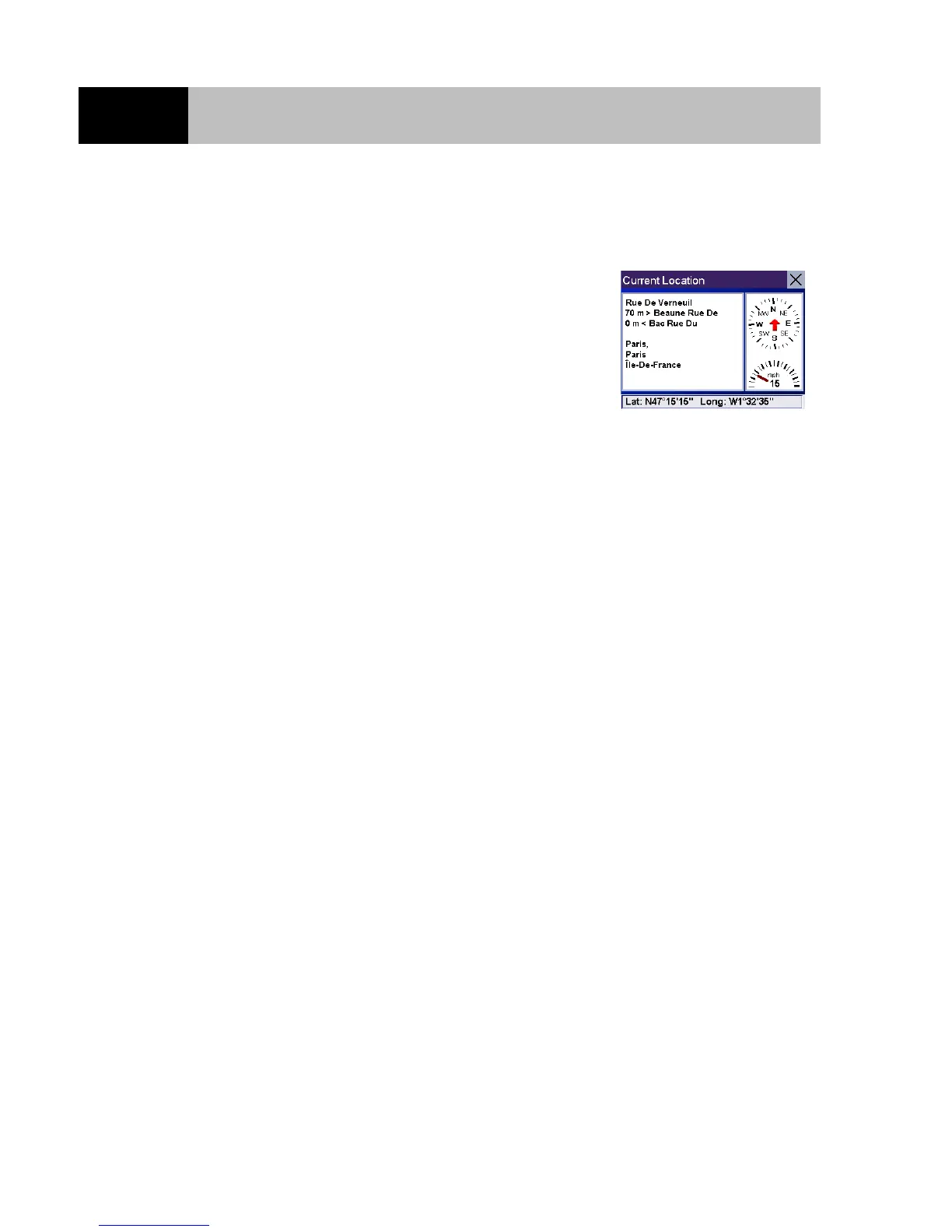
Displaying Information About Your Present Location
Anytime that you want to view information about your present location
you can press the Locate button.
This screen displays the name of the street you are on, the name of the
next and previous adjacent streets and information about the town you
are in. At the bottom of the screen you can also read your position in
Latitude and Longitude.
If you need assistance when travelling, you can communicate this
information to ensure that the road assistance or emergency services can
quickly locate you.
The right hand side of the screen displays a compass and a speedometer.













 To Next Page