User Options
46
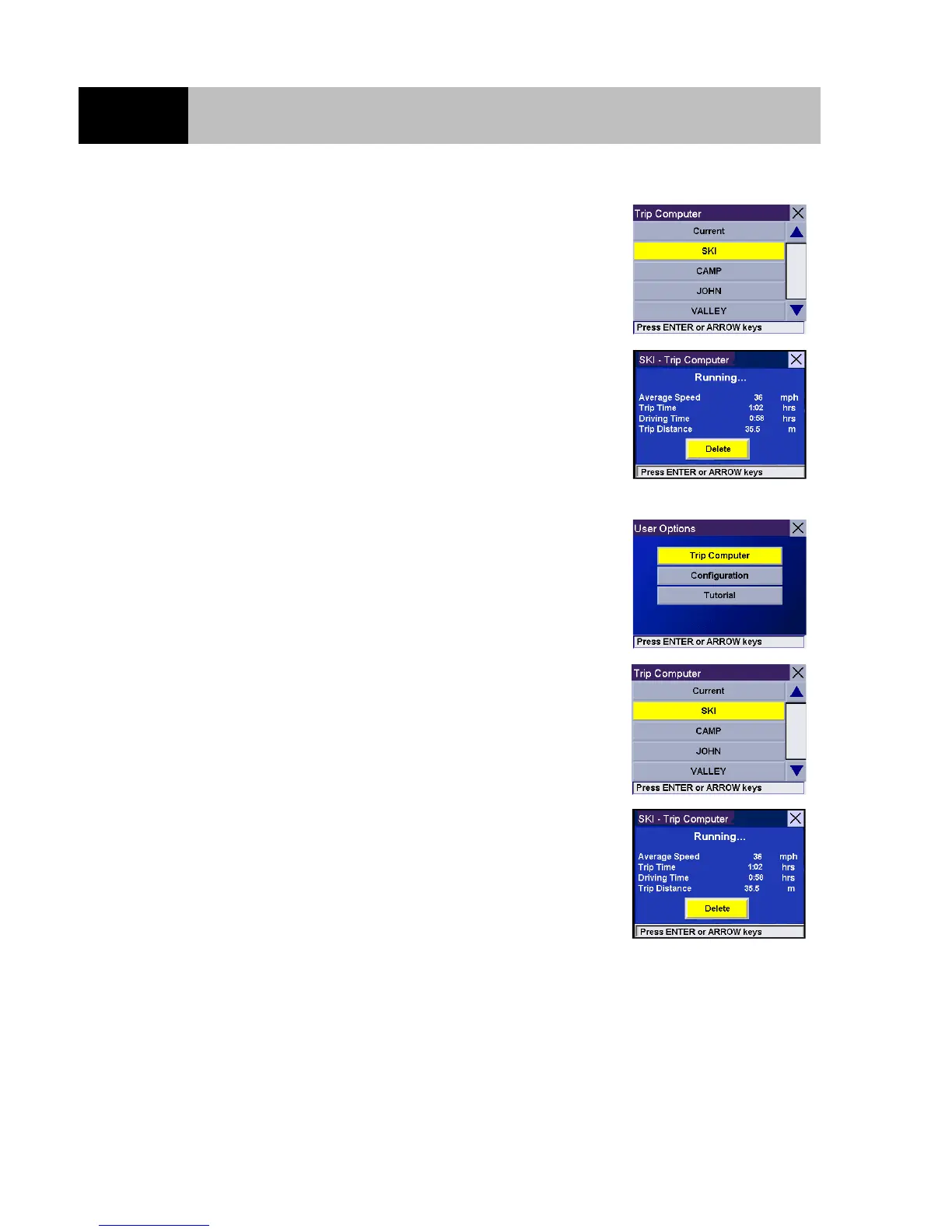
Use the 8-way arrow keypad to select the Trip Report to be viewed
and press Enter.
The saved Trip Report is displayed. When you have finished
viewing the saved Trip Report you can press Cancel and you will
be returned to the "User Options" screen.
Deleting a Trip Report
From any screen, press the Option button. With "Trip Computer"
selected, press the Enter button.
Use the 8-way arrow keypad to select the Trip Report to be deleted
and press Enter.
The saved Trip Report is displayed. With the "Delete" button
selected, press Enter. The Trip Report is deleted and you will be
returned to the "User Options" screen.













 To Next Page