Basic Operations
8
Turning the Magellan RoadMate Off
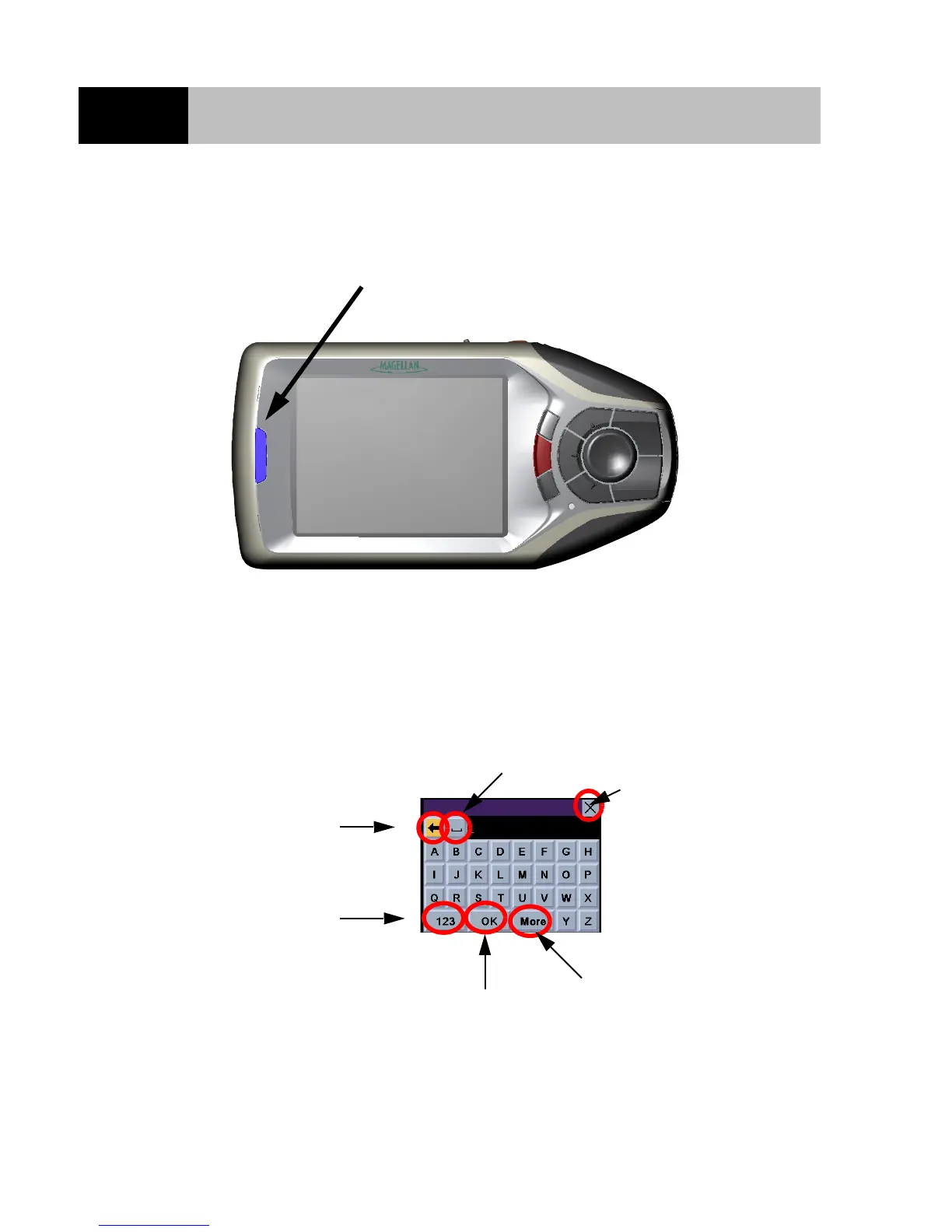
Press the Power button and the Magellan RoadMate will switch itself off.
Inputting Text Characters
Whenever you need to input names, street addresses, etc., the Magellan RoadMate will display a
keyboard that allows you to use the 8-way arrow keypad and the Enter key to highlight and select the
alphanumeric characters. You can also simply touch the screen to select the required letter.
Power Button
Space Bar
Cancel
Backspace
Numerical Characters
Accept Entry
Additional Characters













 To Next Page