User Options
57
Selecting the Language
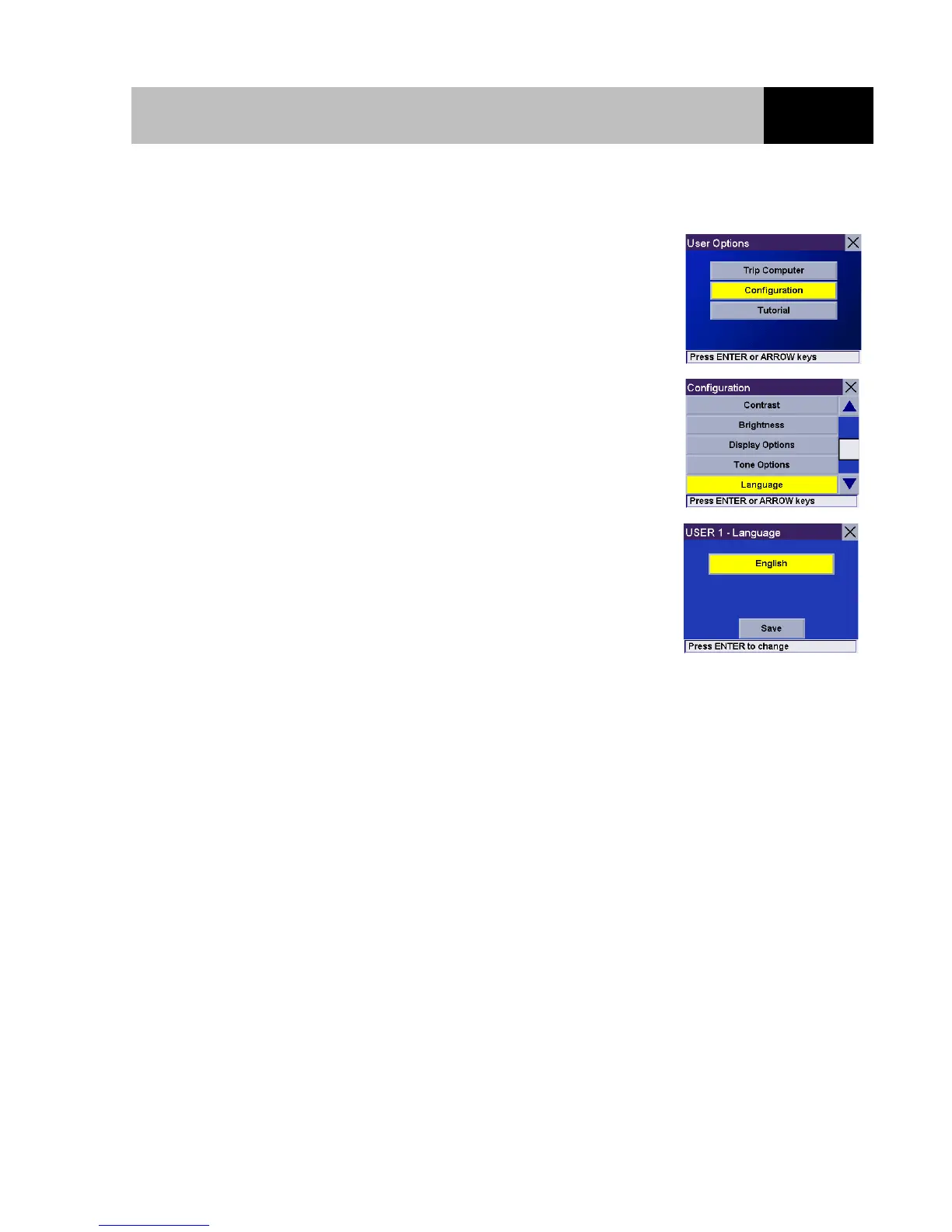
From any screen, press the Option button. Select "Configuration"
and press Enter.
Use the 8-way arrow keypad to select "Language" and press Enter.
Select the top button and press Enter to step through the different
languages available. You can choose from English, French,
German, Spanish, Italian and Dutch. The language you select will
be set for both the displays and the voice guidance. When the
language has been selected, select the "Save" button and press
Enter.













 To Next Page