User Options
49
Setting the Map Colours
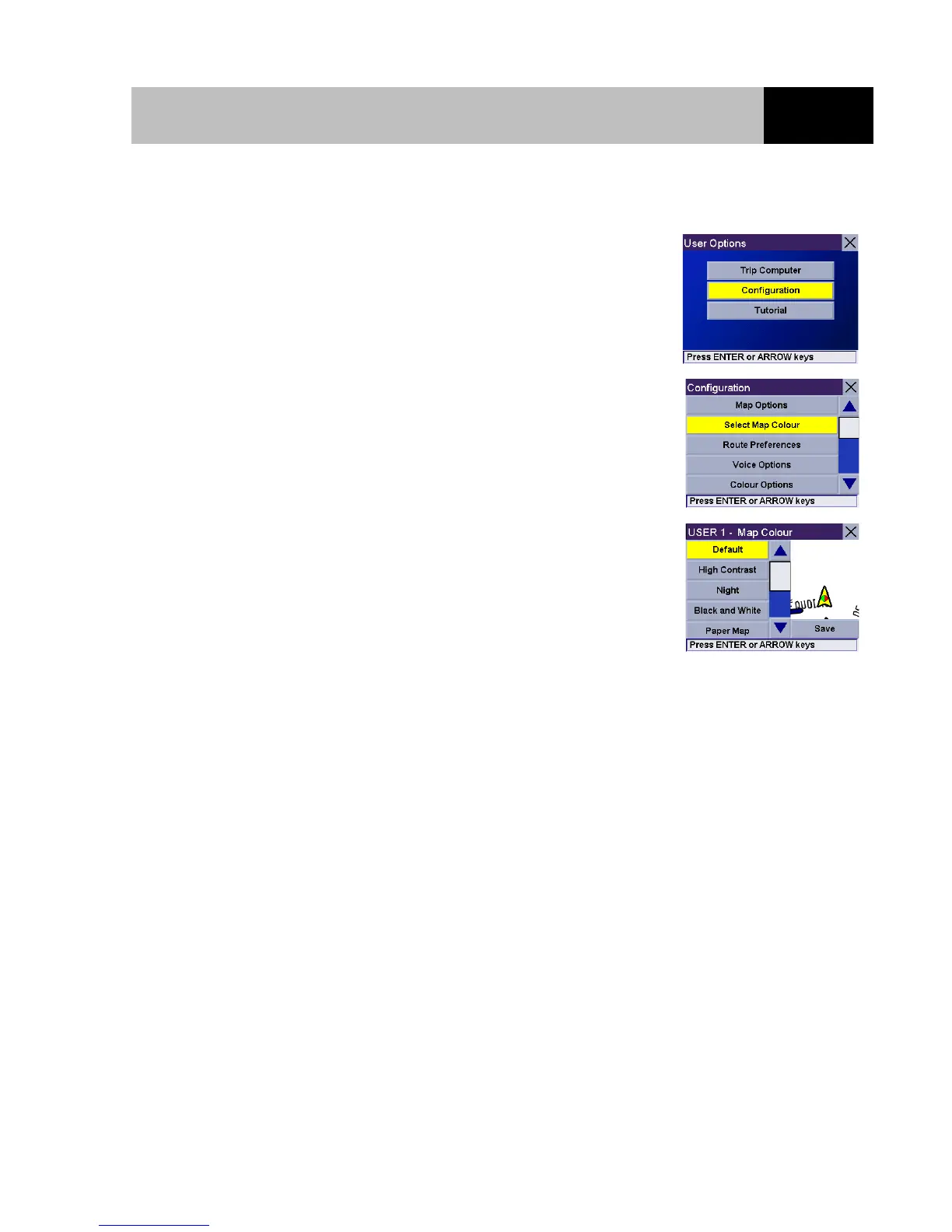
From any screen, press the Option button. Select "Configuration"
and press Enter.
Use the 8-way arrow keypad to select "Select Map Colour" and
press Enter.
Use the 8-way arrow keypad to set your preferred colour theme for
the map display. Once you are happy with your choice, select the
"Save" button and press Enter.













 To Next Page