User Options
52
Setting the Colour Options
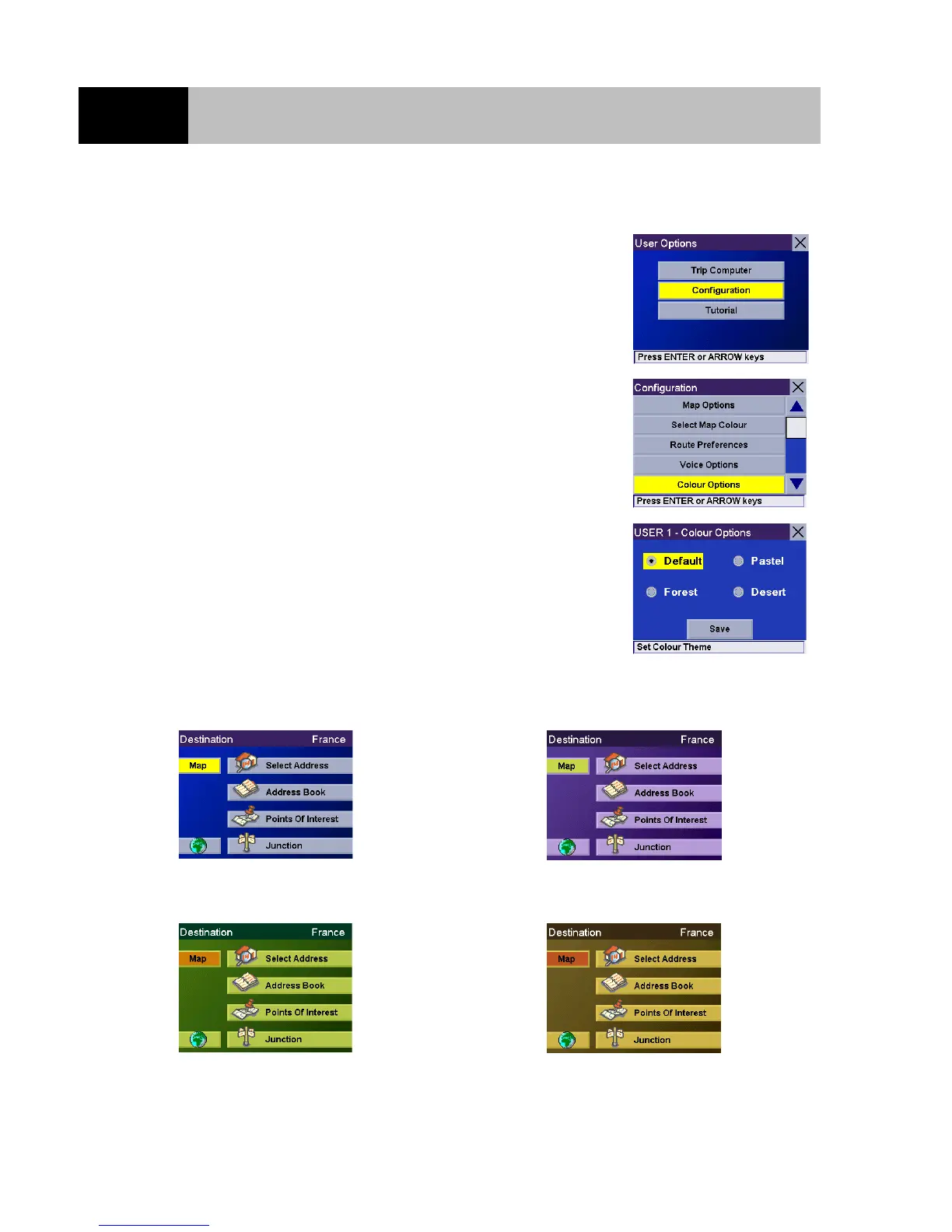
From any screen press the Option button. Select "Configuration"
and press Enter.
Use the 8-way arrow keypad to select "Colour Options" and press
Enter.
Use the 8-way arrow keypad to select your preferred colour theme
and press Enter. When you are happy with your choice, select the
"Save" button and press Enter.
Default Pastel
Forest Desert













 To Next Page