Description of Functions
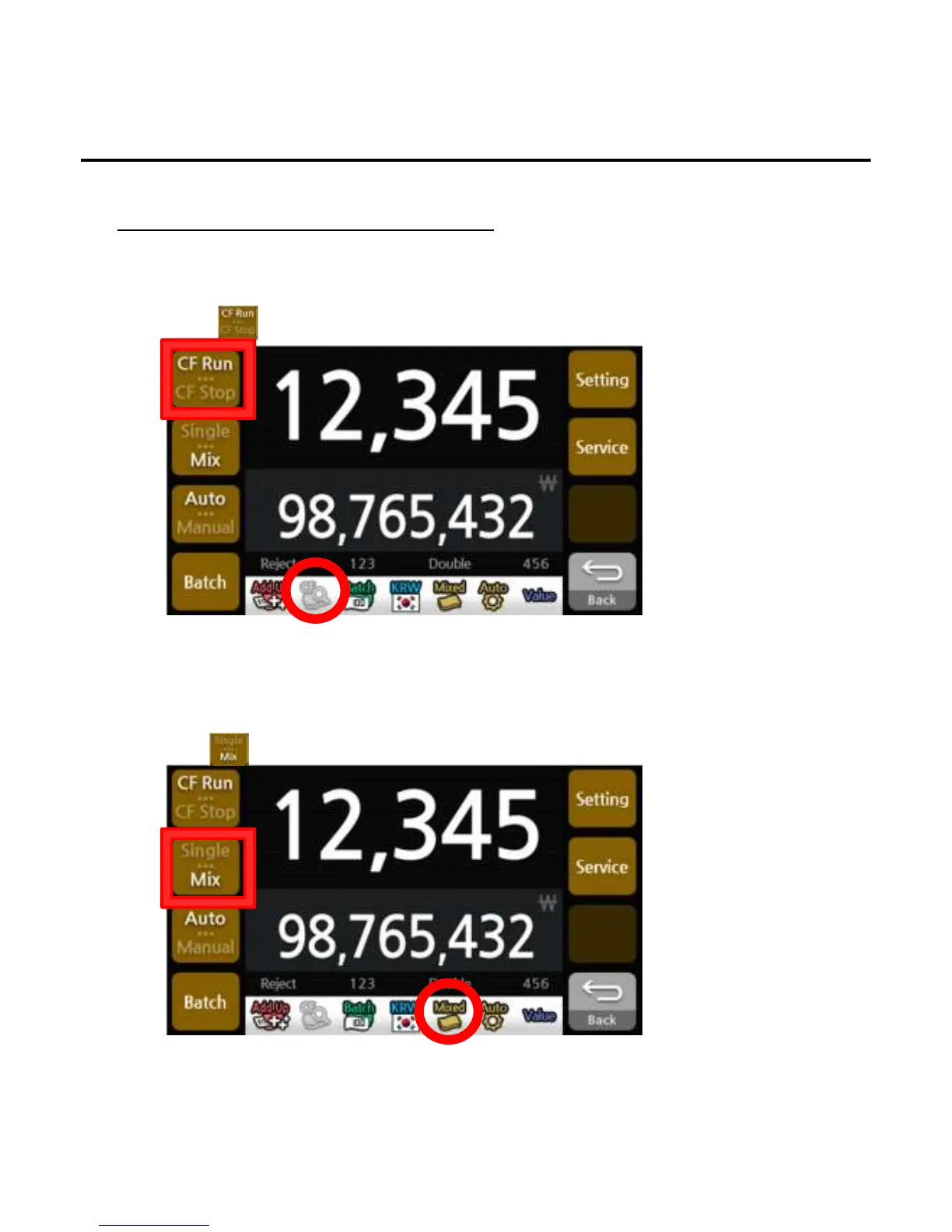
1. CF (Counterfeit)
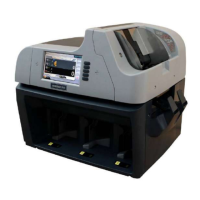
2. Single / Mix
Single mode is to count the designated denomination only, which is recognized for the first time. If the
notes are different from the designated denomination, the machine will send other notes to the reject
pocket under Single Mode.
1)Press button to select the single or mix.
*The CF symbol will appear/disappear on the screen when a counterfeit is detected.
*The Single/Mix symbol will appear on the screen to indicate the selected state.
Decides to run or stop when a counterfeit is detected.
1)Press button to select setting.
User Settings
-
--
-18
1818
18-
--
-


 To Next Page